Features
Notes, contacts, files, and records in one folder tree, stored encrypted on your device and editable offline. Sync comes with paid plans, and sharing with Team plans.
Tools
On desktop, each tool opens in its own window. On phones and tablets, tools open one at a time, with back navigation. Light and dark themes are included.
- Explorer
- Organize notes, contacts, files, and structured records such as driver's licenses and passports in nested folders. Import files, download them again, and move removed items to Trash.
- Notes
- Write plain-text notes and attach files, with image previews.
- Contacts
- Keep names, nicknames, and profile photos. Import another Tearleads user by user ID to link the contact to their identity.
- Identity Manager
- Create and switch identities, back up your recovery phrase, set a PIN lock, and review active sessions.
- Backup / Restore
- Export a password-protected backup of your local data and the file contents stored on the device, and restore it from the file.
- Org Manager
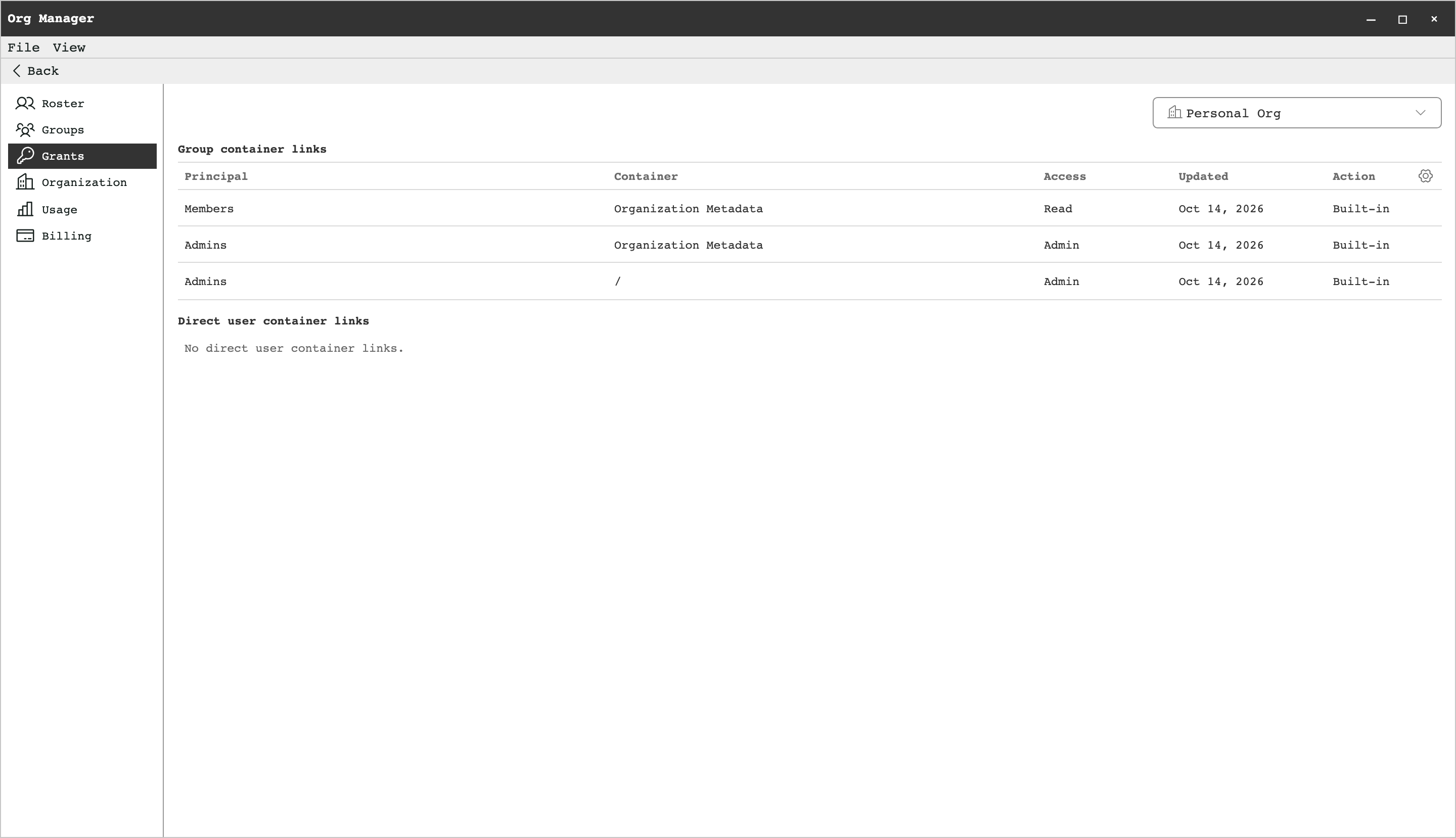
- Manage your organization's roster, groups, access grants, usage, and billing.
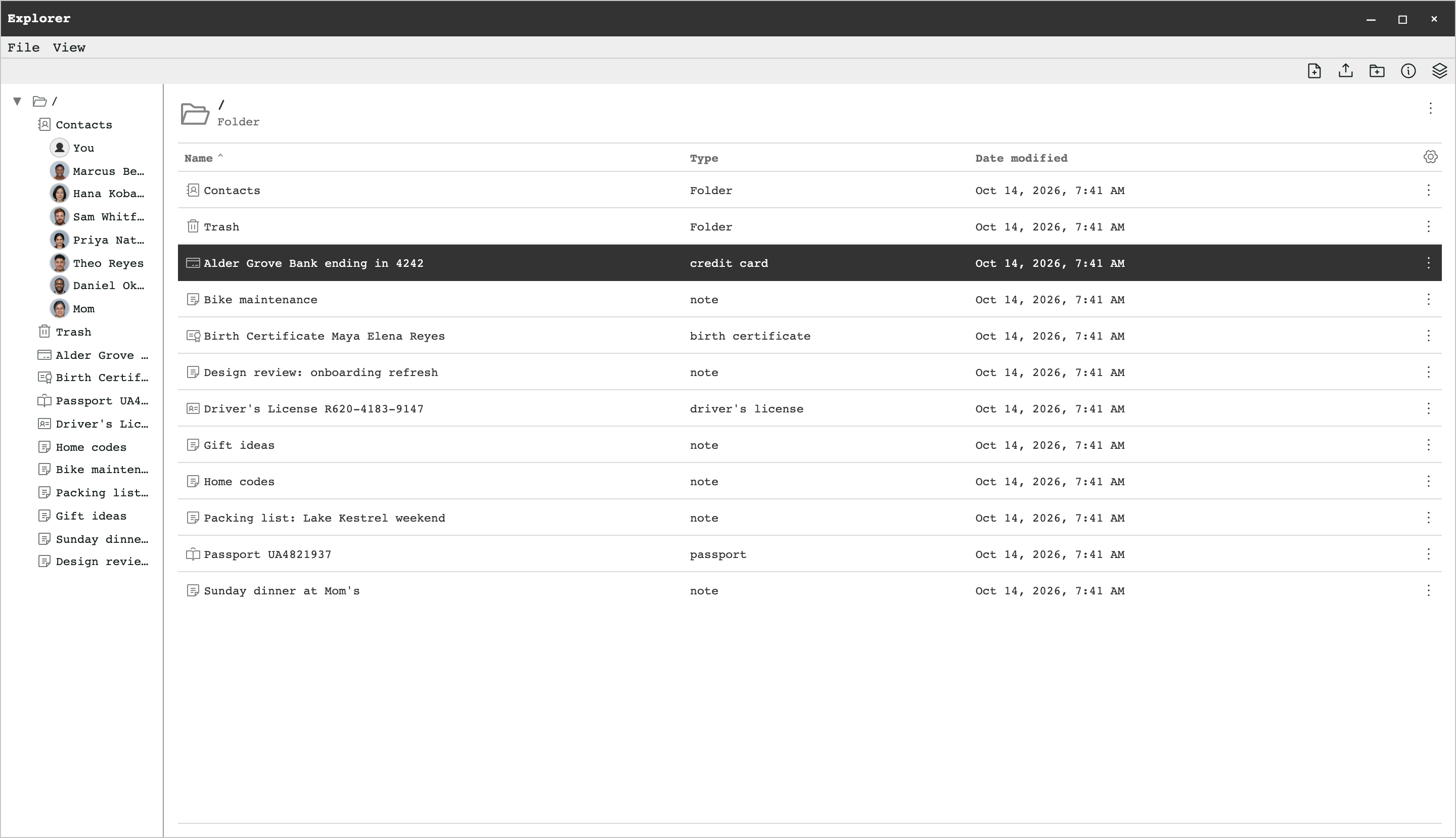
On your device
Content stored on your device is encrypted, and you can read and edit it offline. Edits save locally and sync when you reconnect; sharing and other remote actions need a connection.
- Encrypted storage
- The app reads and writes through an encrypted database and file store. How strongly the local key is protected depends on the platform: Local storage and PIN protection.
- Backups
- Keep a backup file somewhere you control. It includes your local data and the file contents stored on the device.
Sync and sharing
After a 7-day free trial, sync needs a paid plan, and sharing with other people needs a Team plan.
Sync
Changes you make are queued on your device and sent when you're online, and changes from your other devices are merged in. Document and file contents are encrypted before they reach the service.
Sharing
Share a folder with users and groups in your organization, with read, write, or admin access. To share with someone, first add them to your organization's roster; each roster member counts toward your plan's capacity.
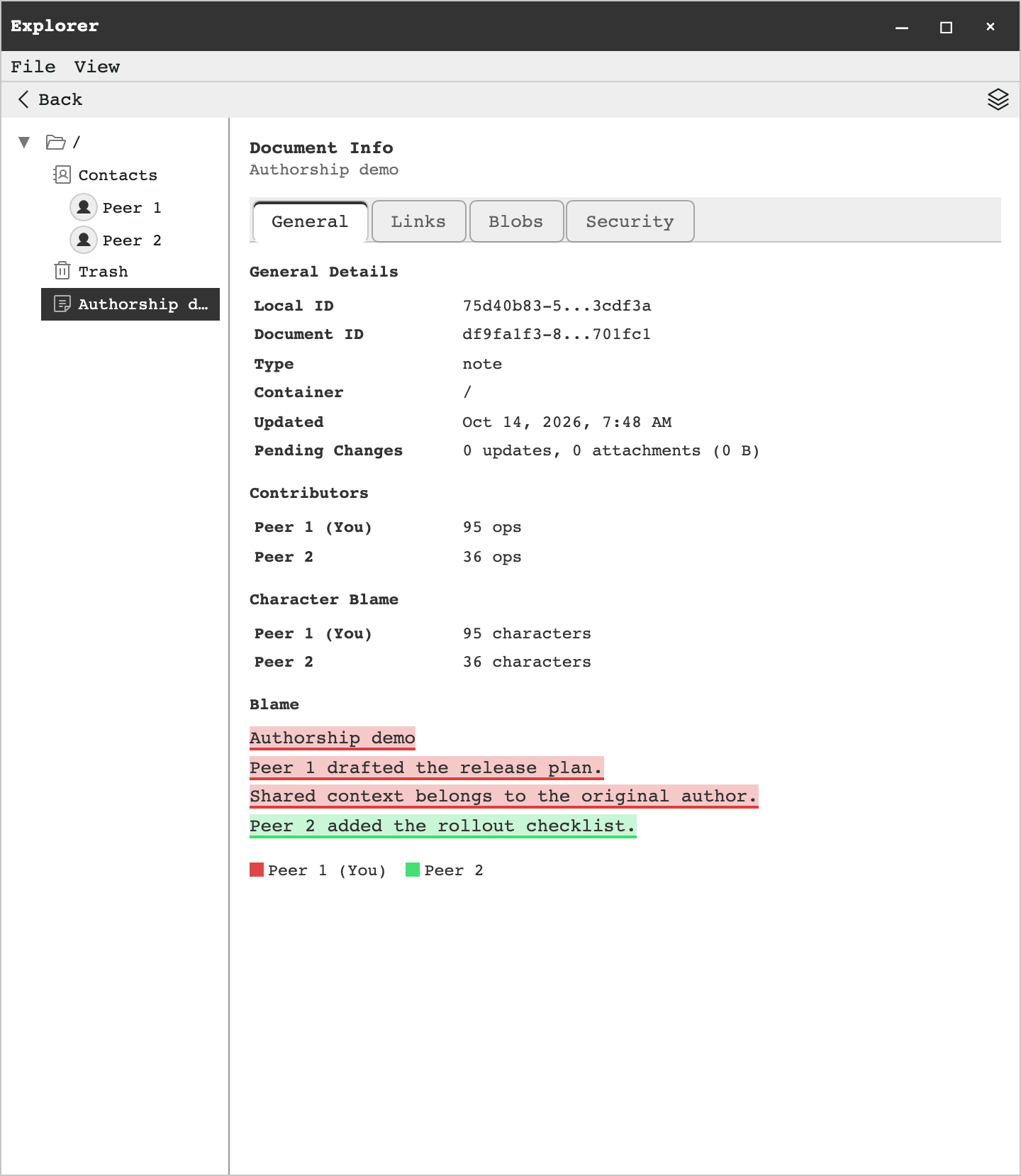
Authorship
Document Info in Explorer lists a note's contributors with their edit counts and highlights which contributor wrote each character. The same view shows the note's links, attachments, and security details.
Free on your device. Sync from $5/month.