Zero knowledge. Zero onboarding.
Notes, contacts, files, and records, encrypted on your device before they sync. Open Tearleads and start working: no email or password to set up.
Early access.While we test, hosted data can be reset, so keep a backup of anything important.
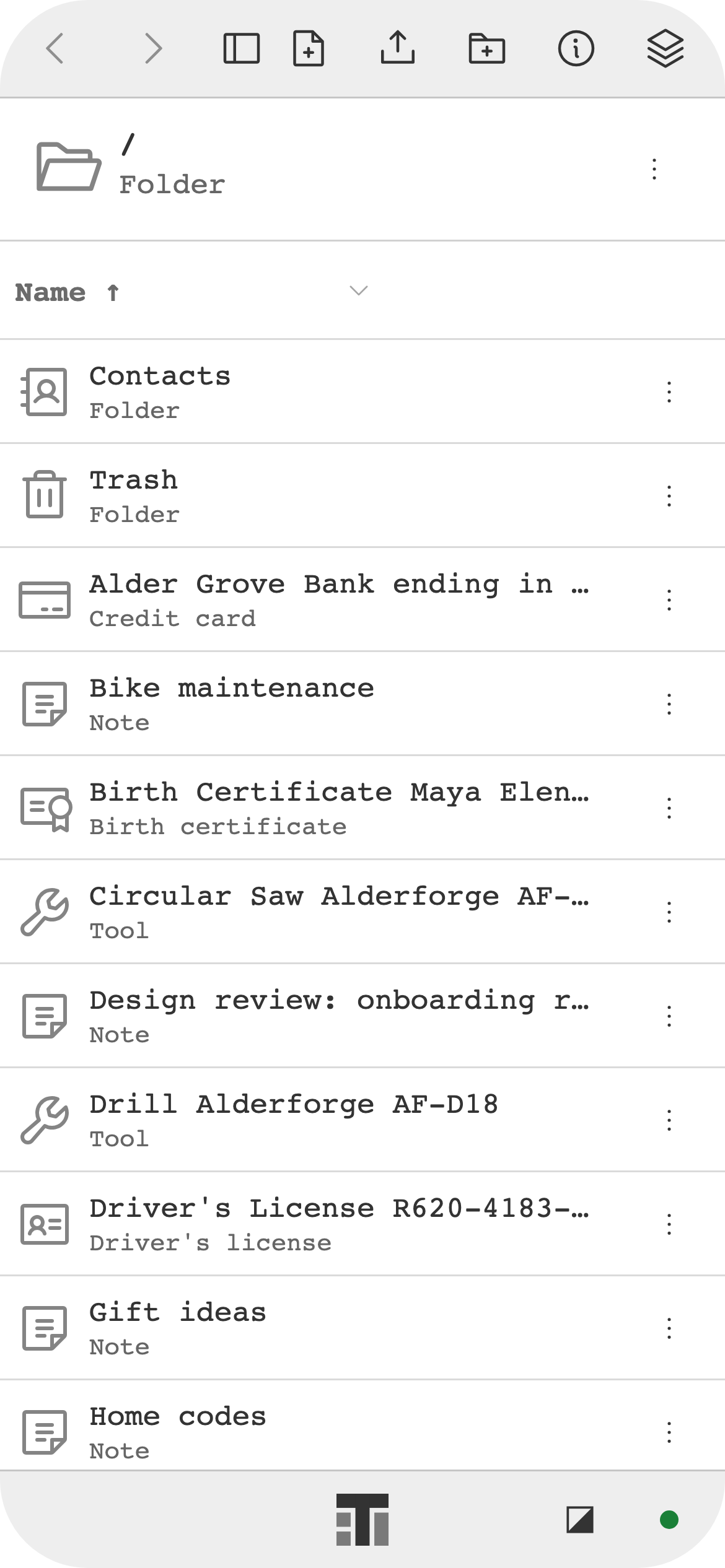
Home 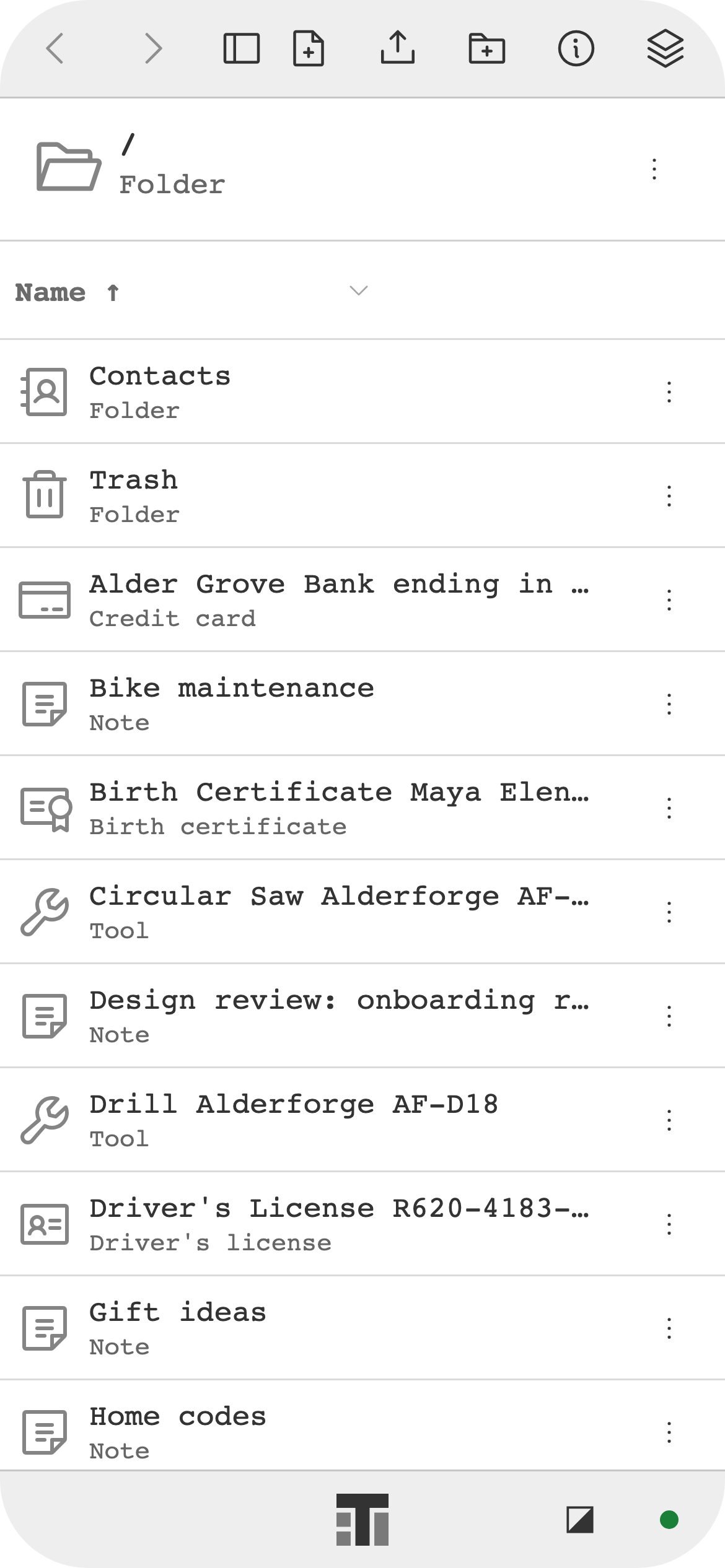
Explorer 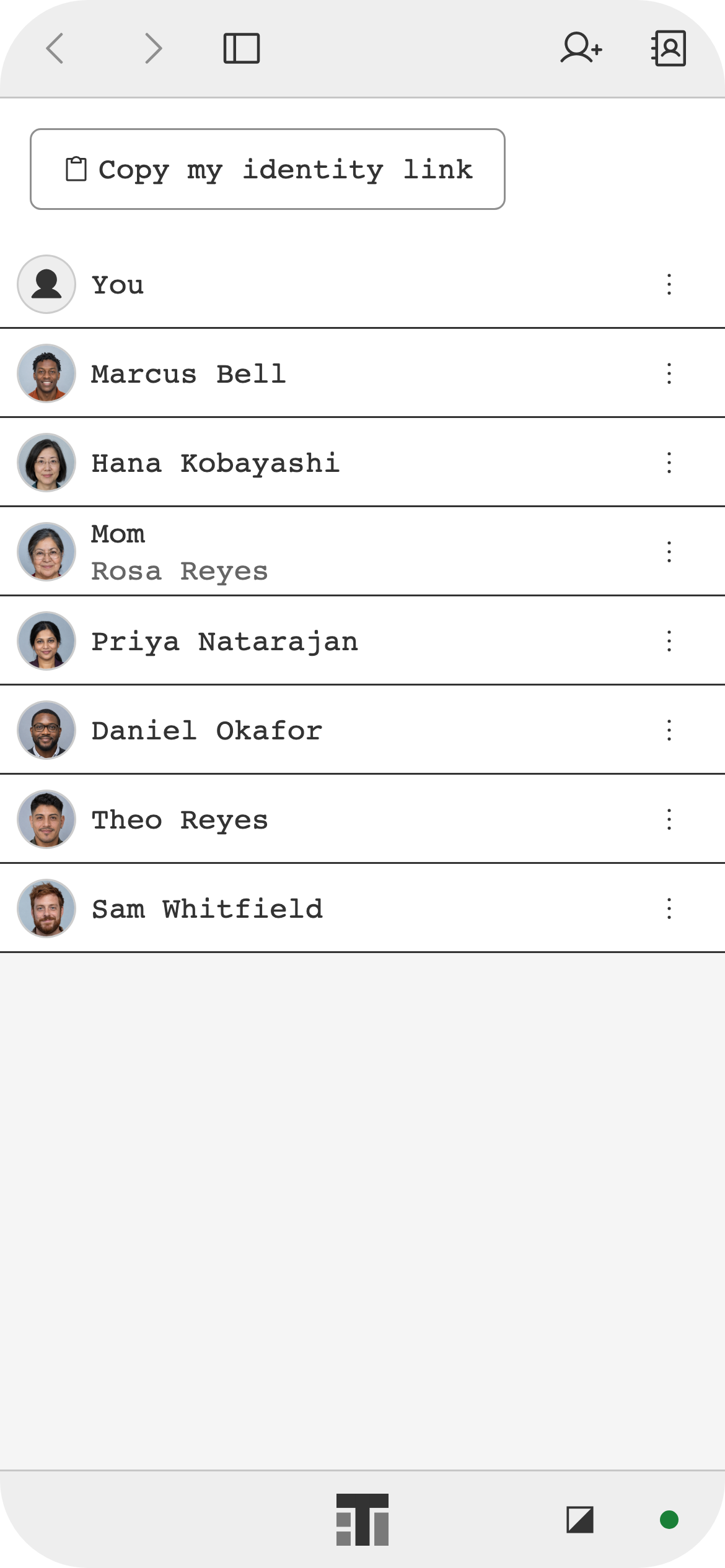
Contacts 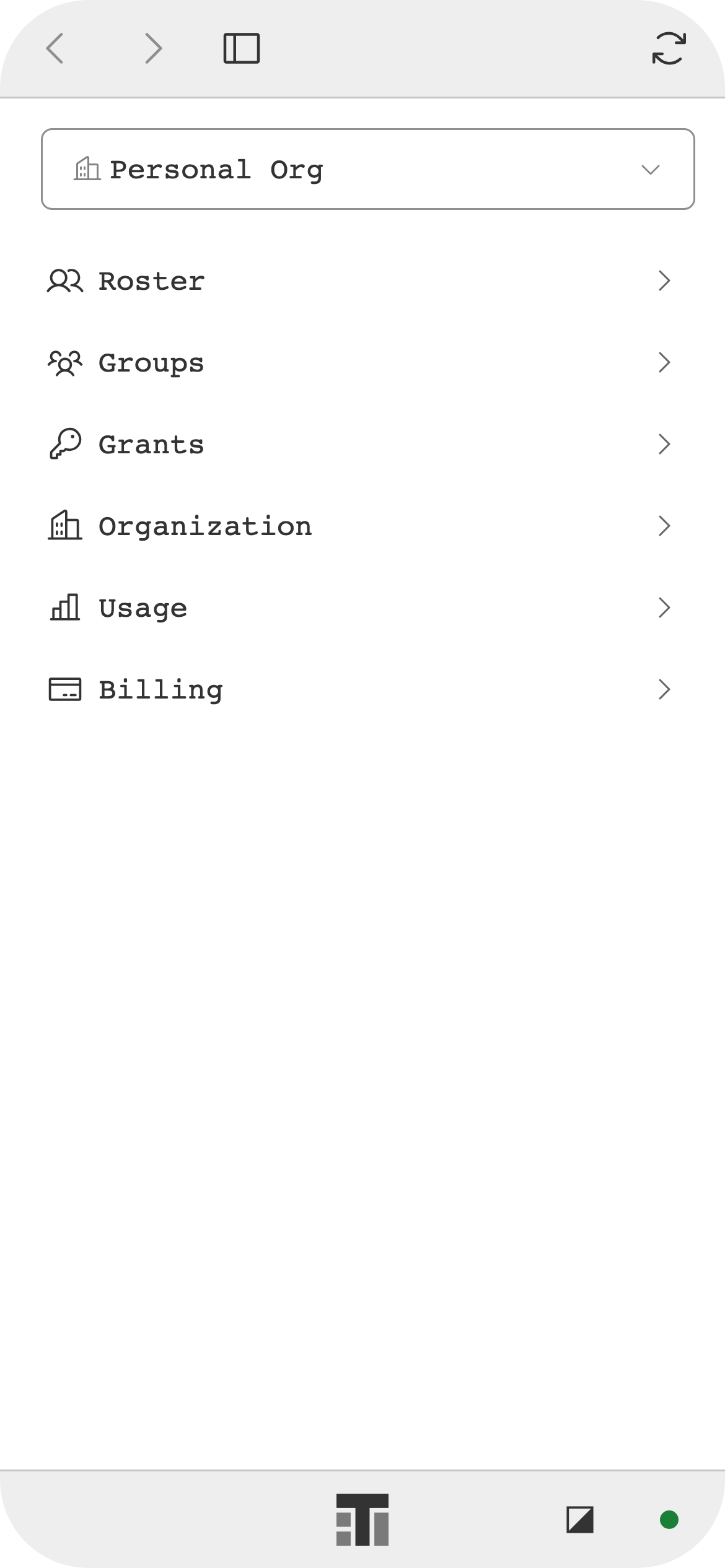
Org Manager 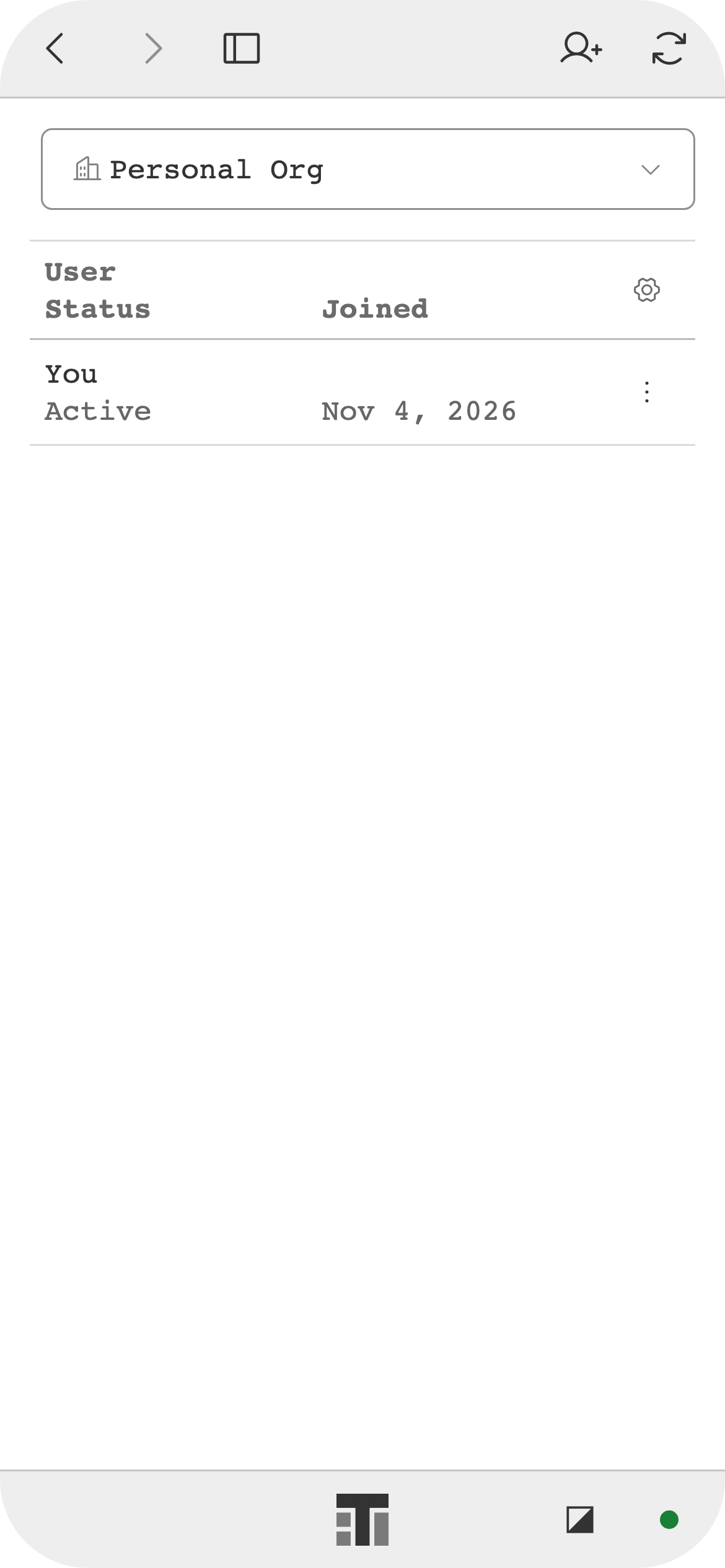
Org Manager: Roster 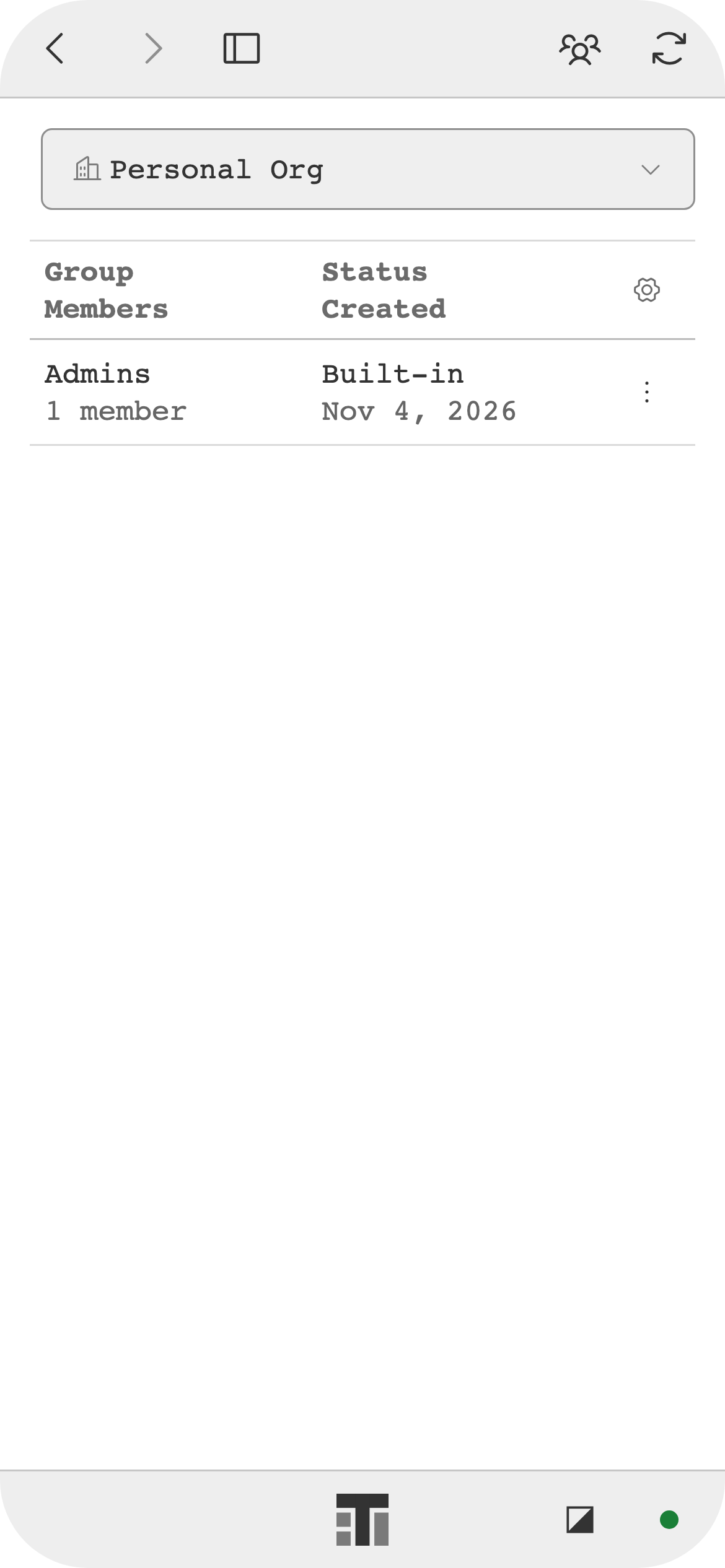
Org Manager: Groups 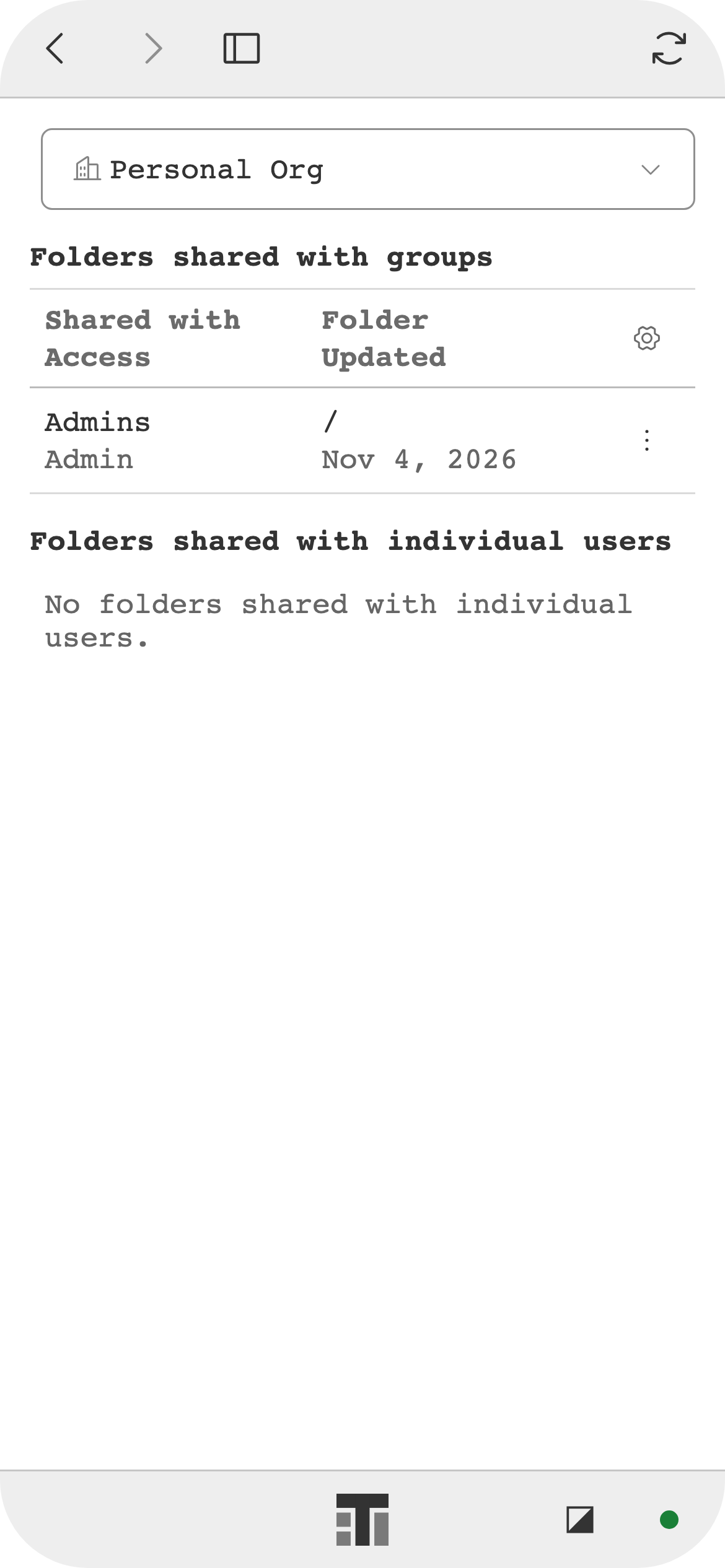
Org Manager: Grants 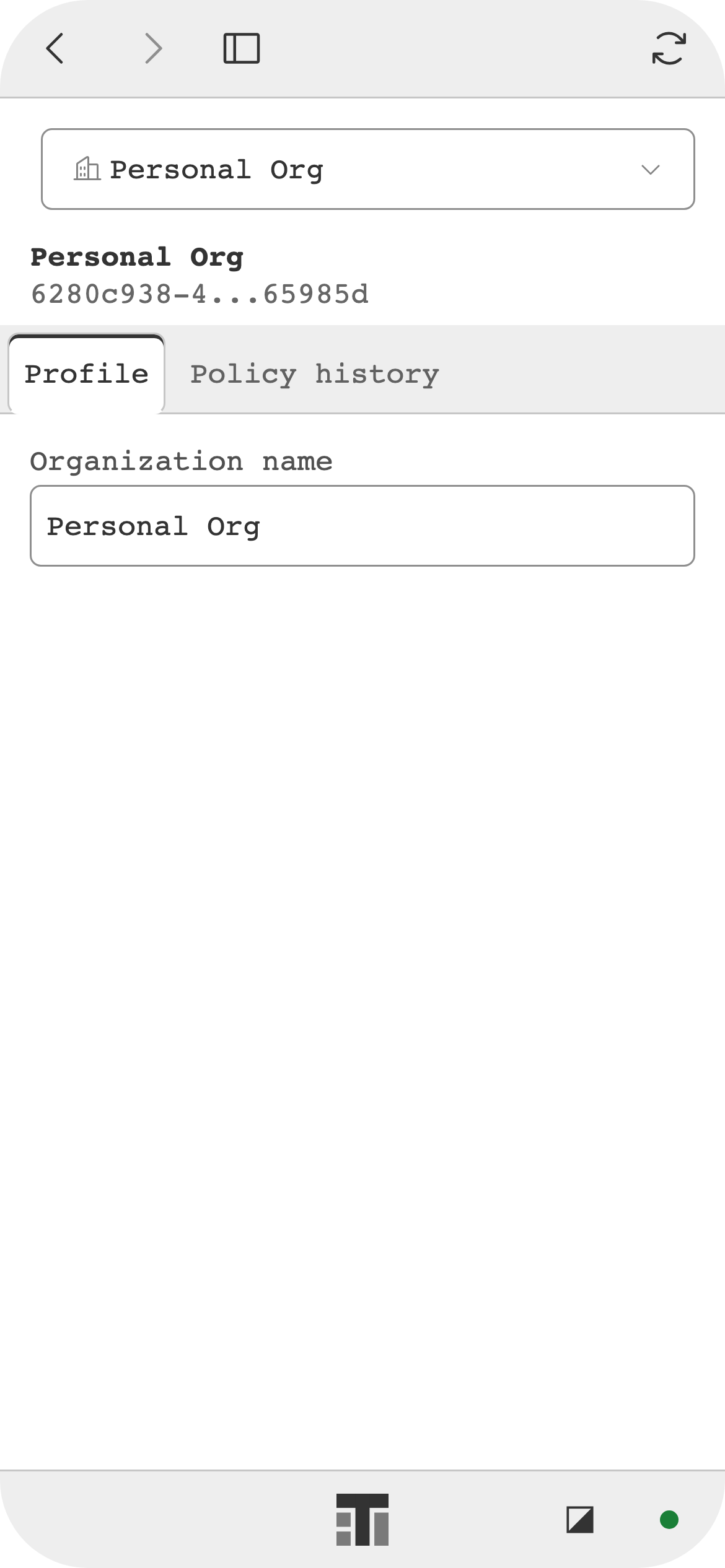
Org Manager: Organization 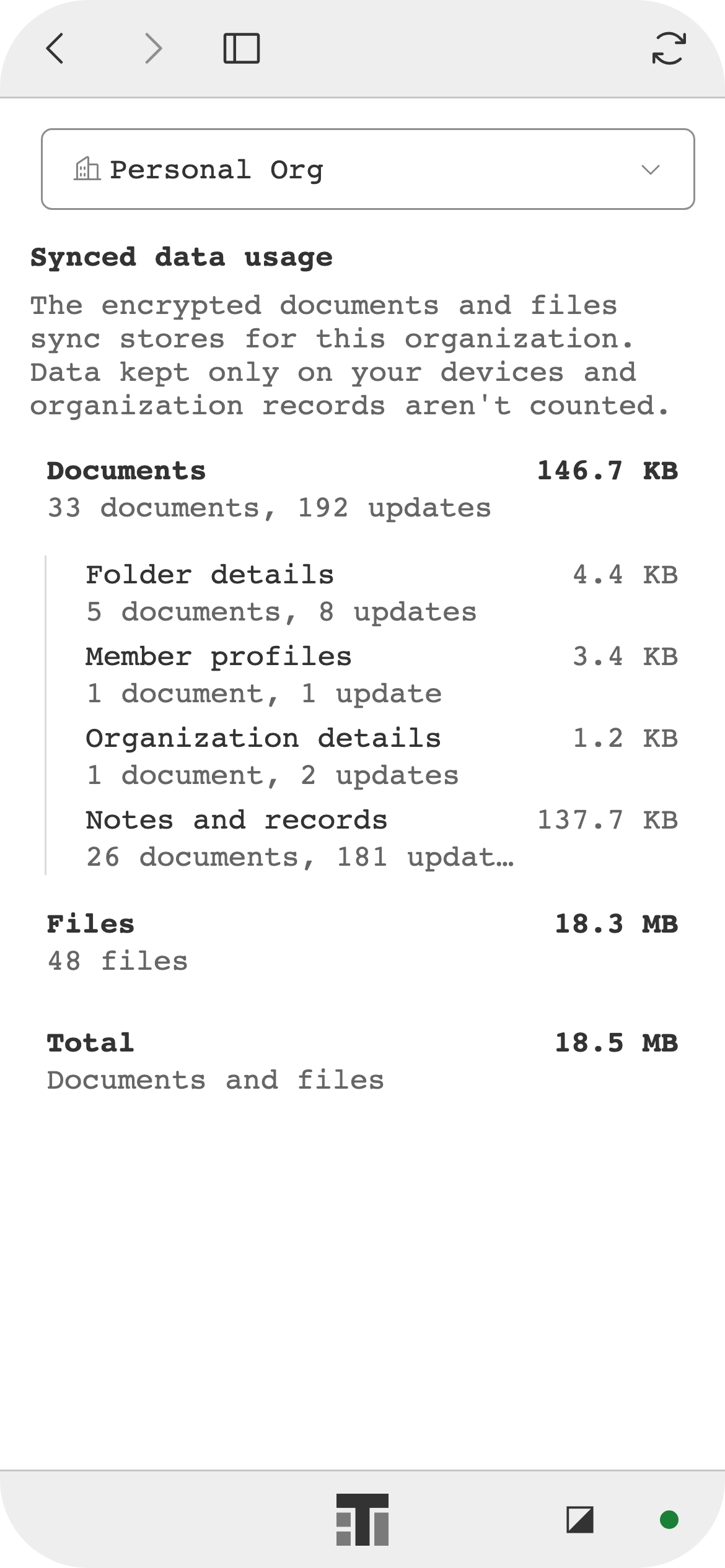
Org Manager: Usage 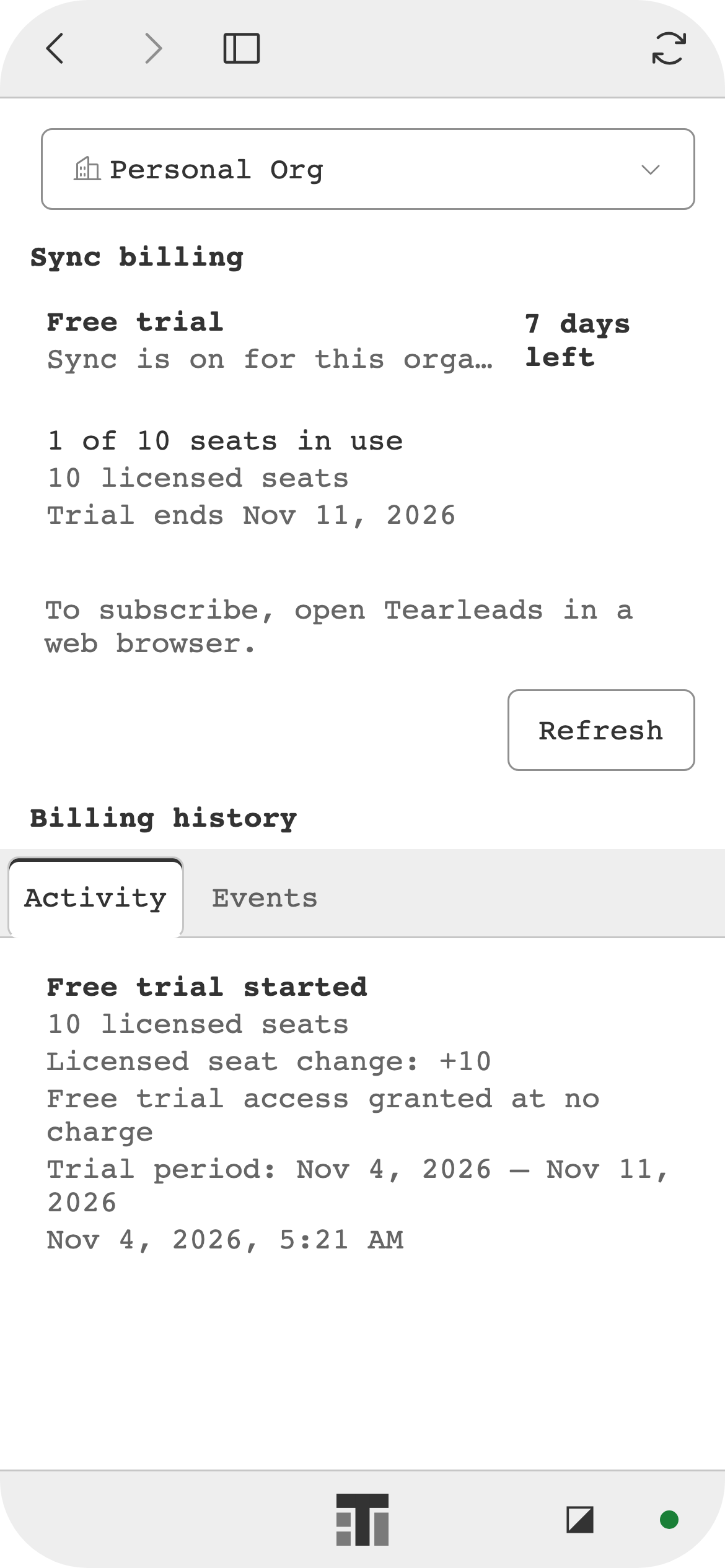
Org Manager: Billing 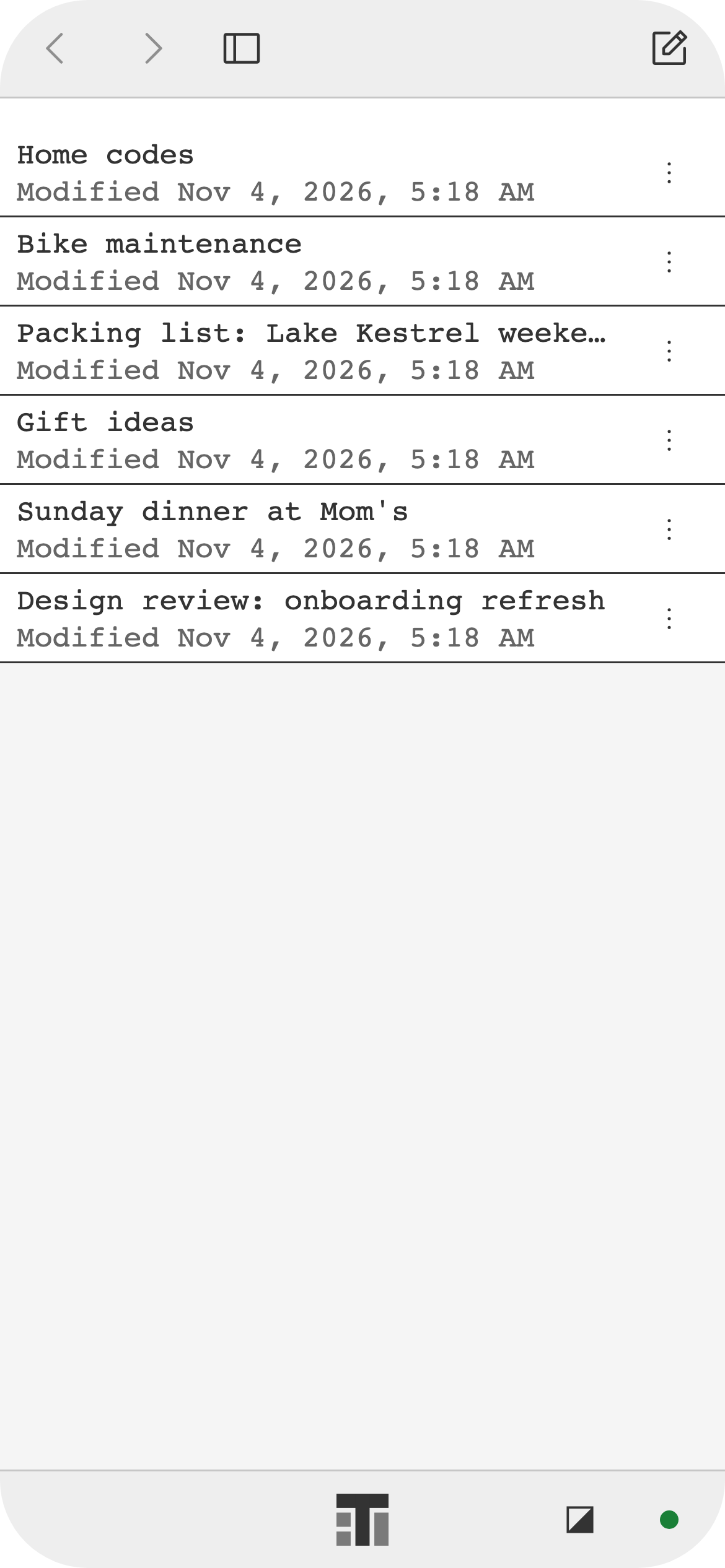
Notes 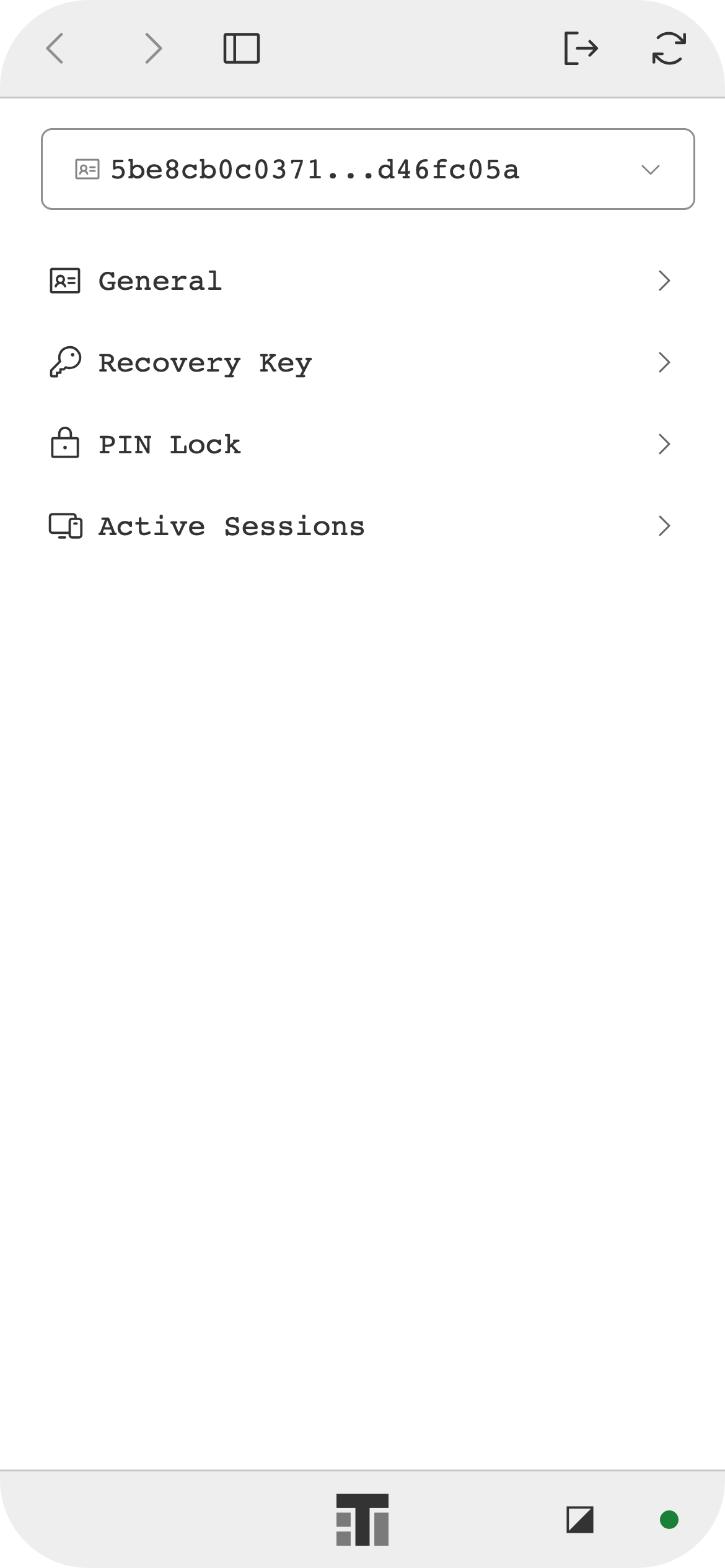
Identity Manager 
Backup / Restore 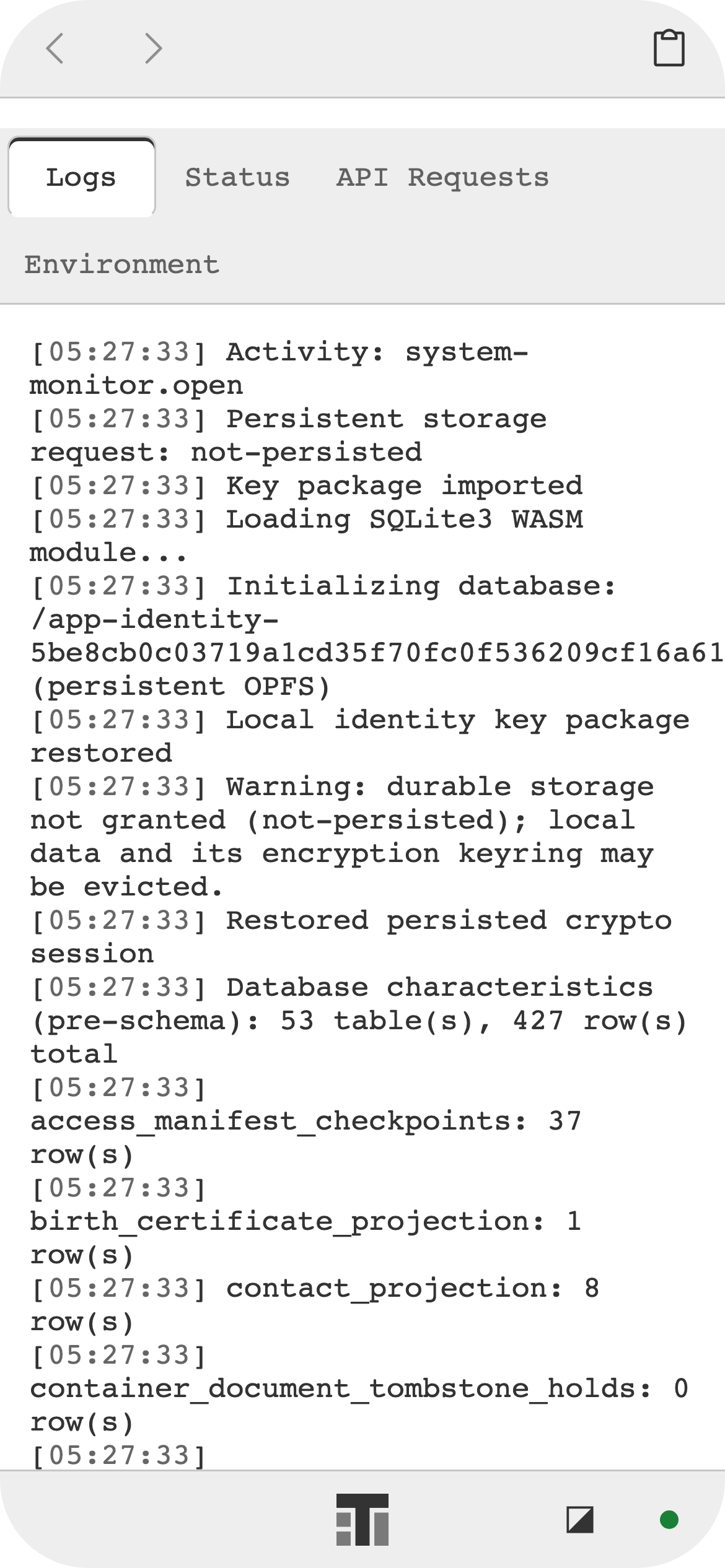
System Monitor 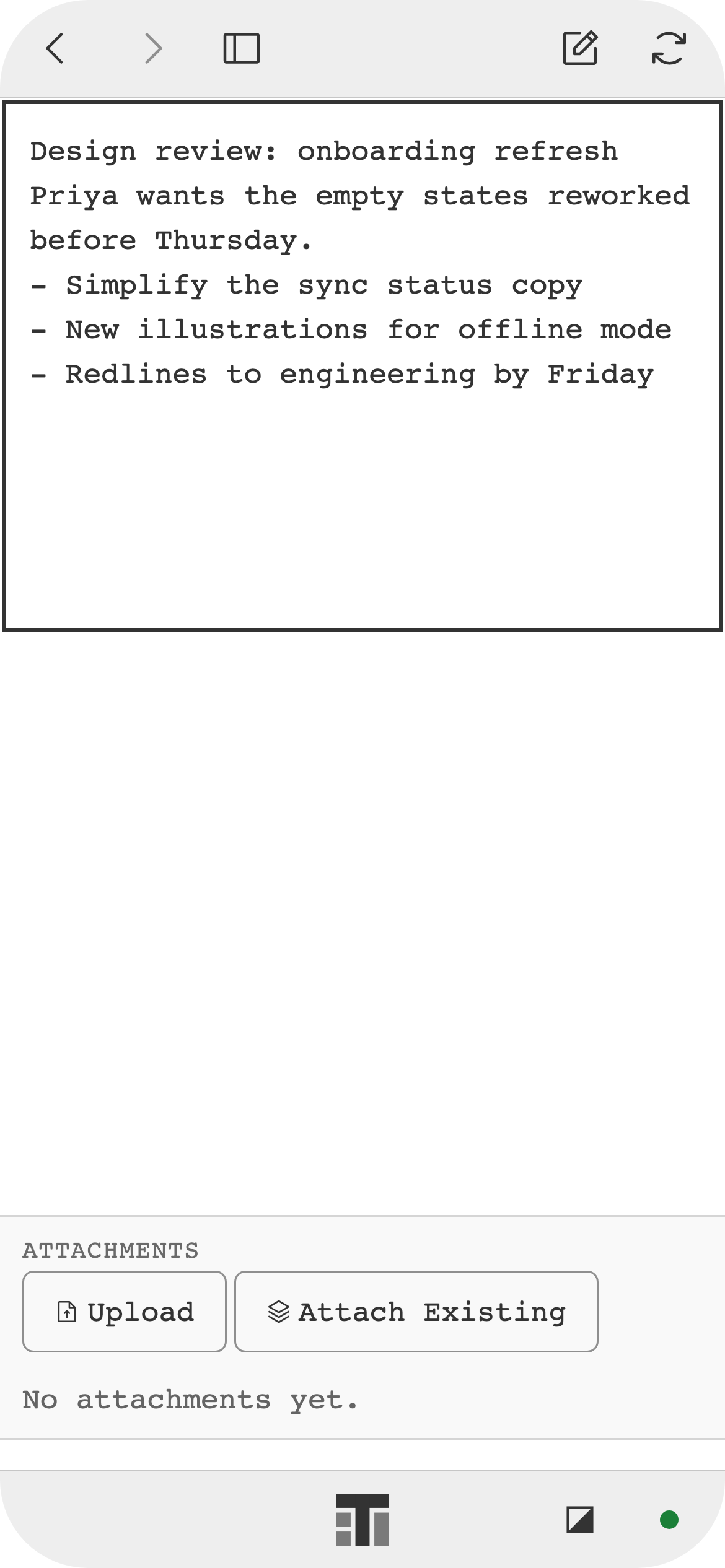
Note 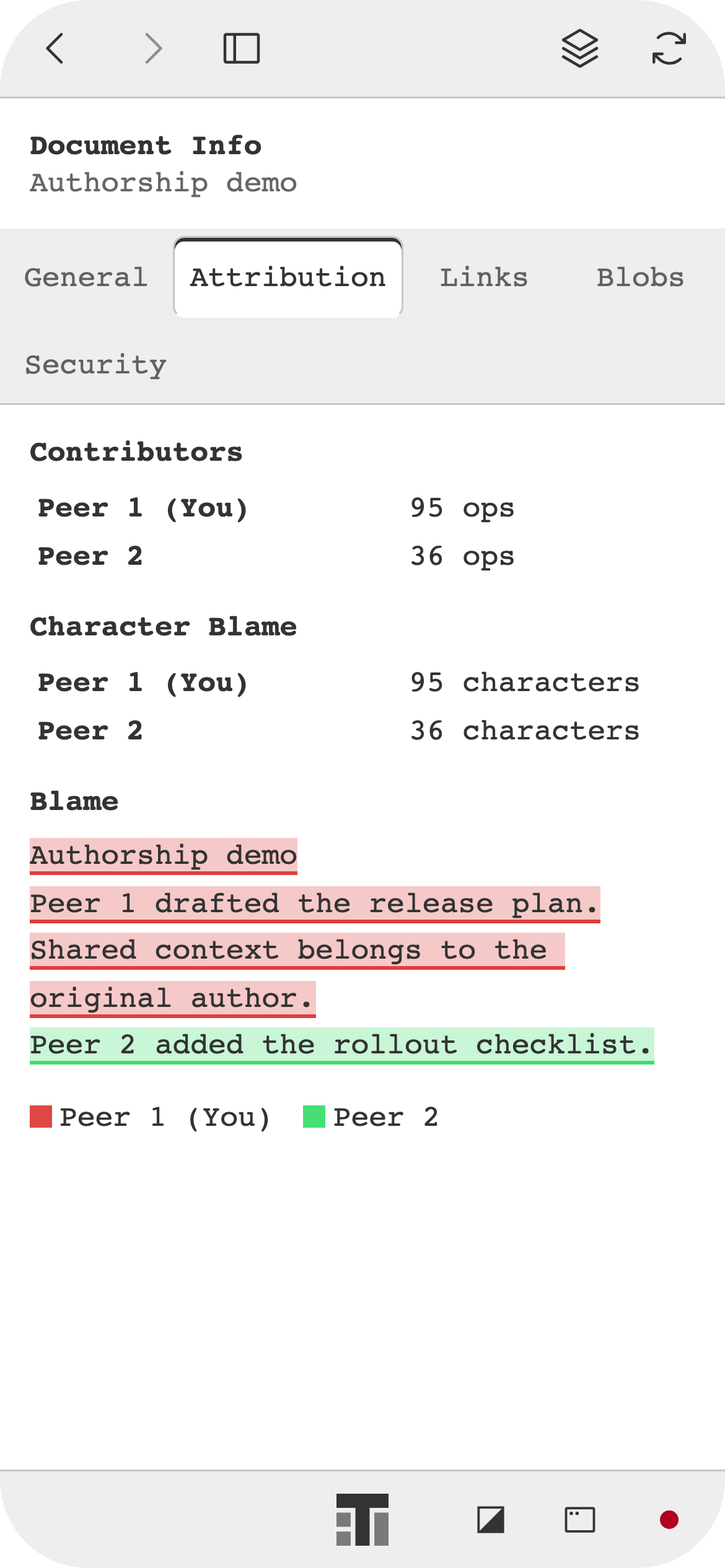
Note authorship 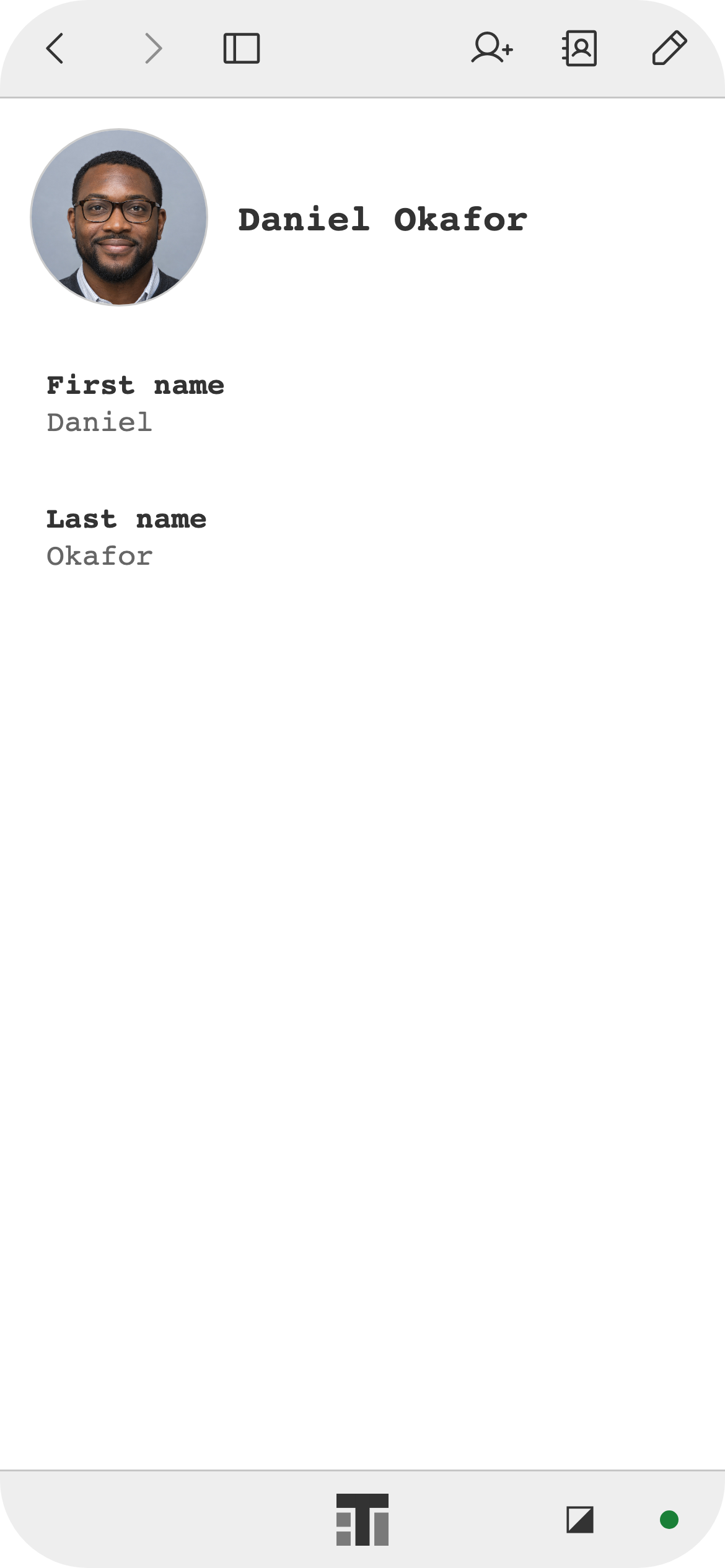
Contact 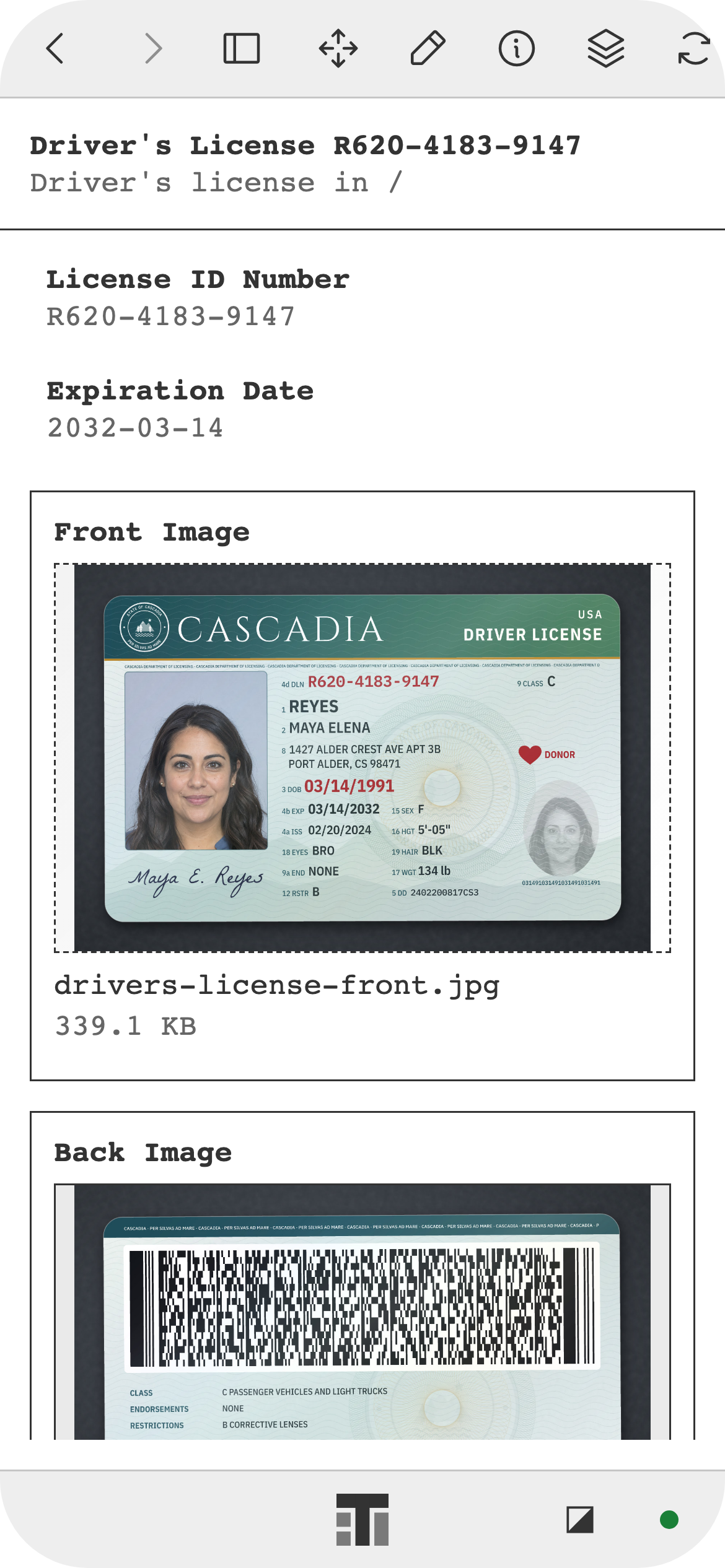
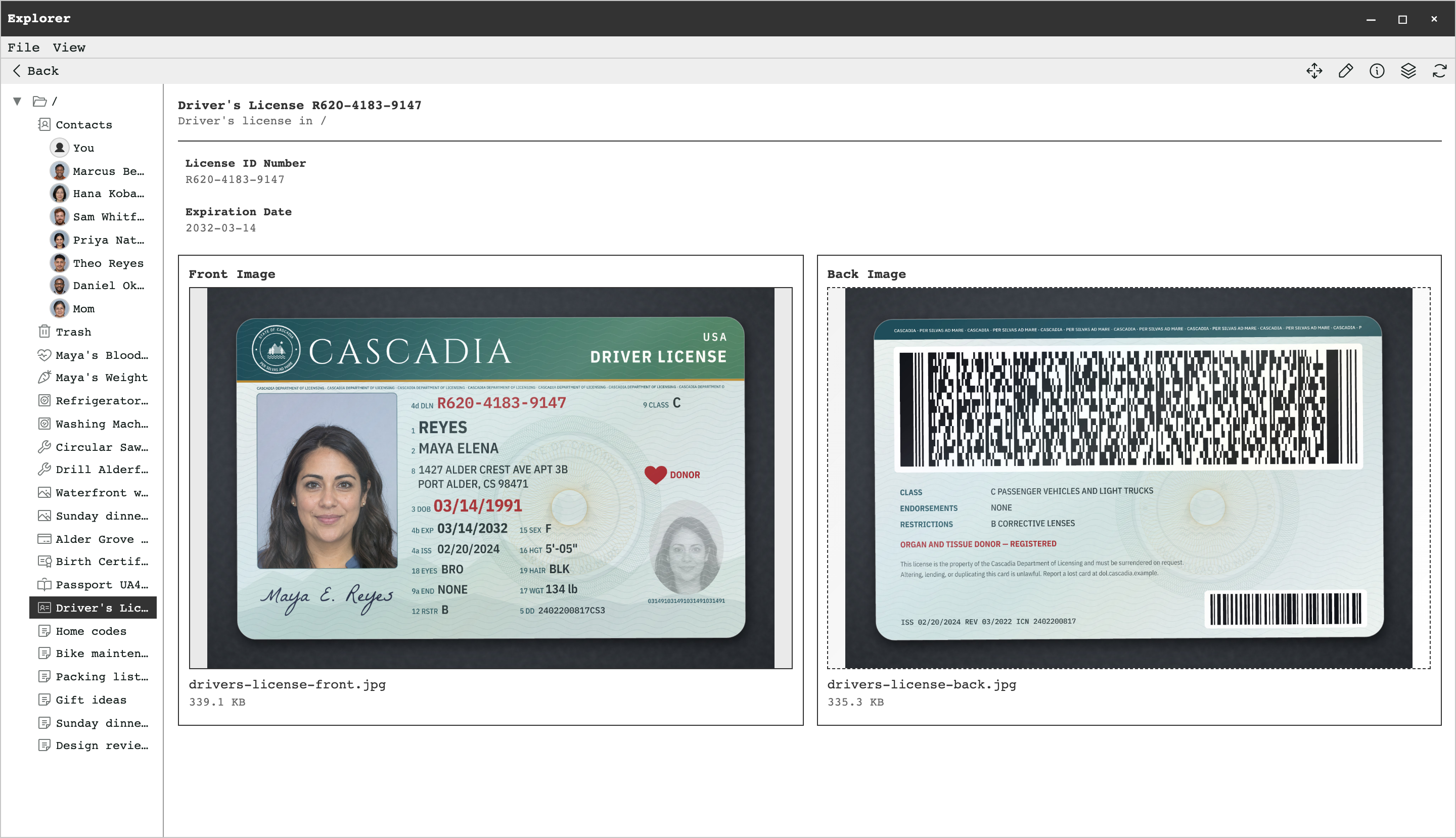
Driver's license 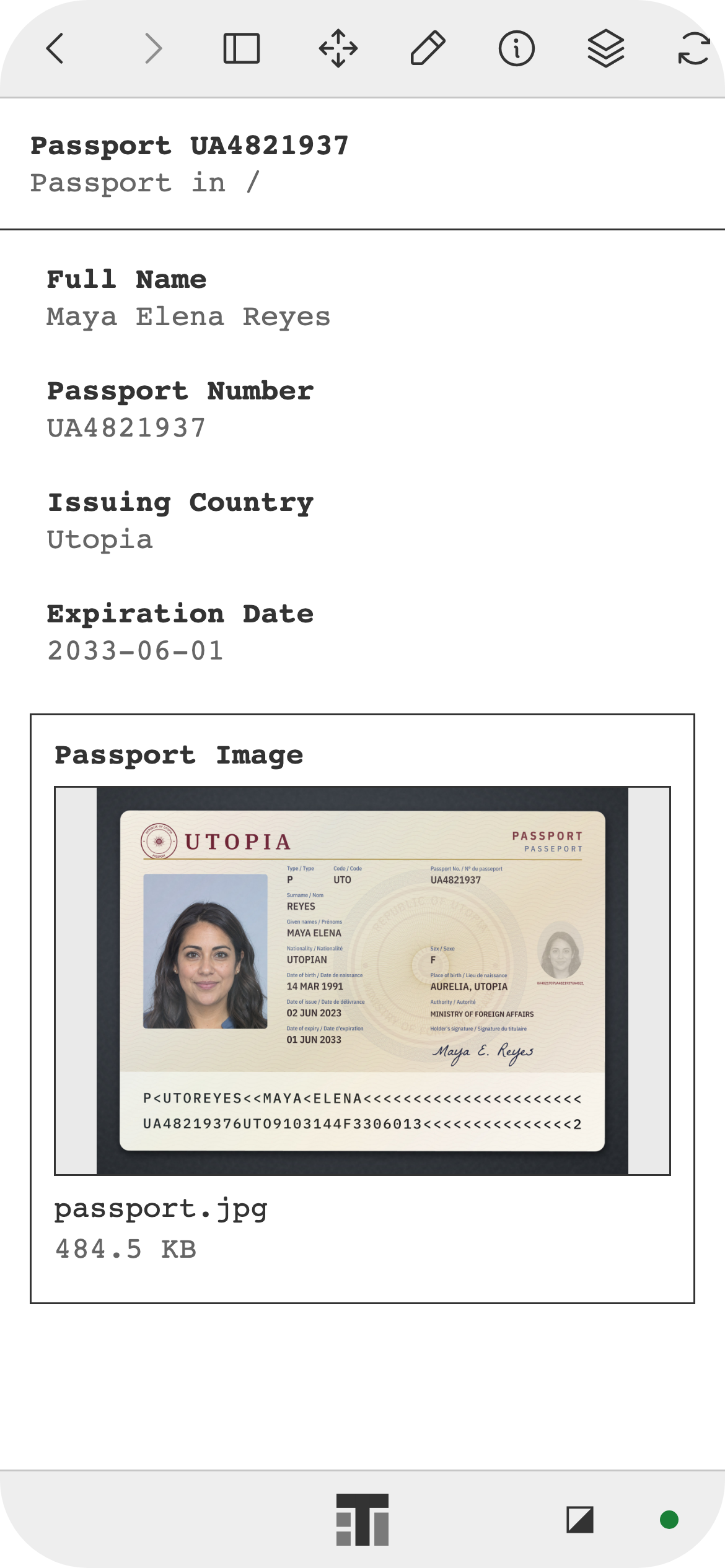
Passport 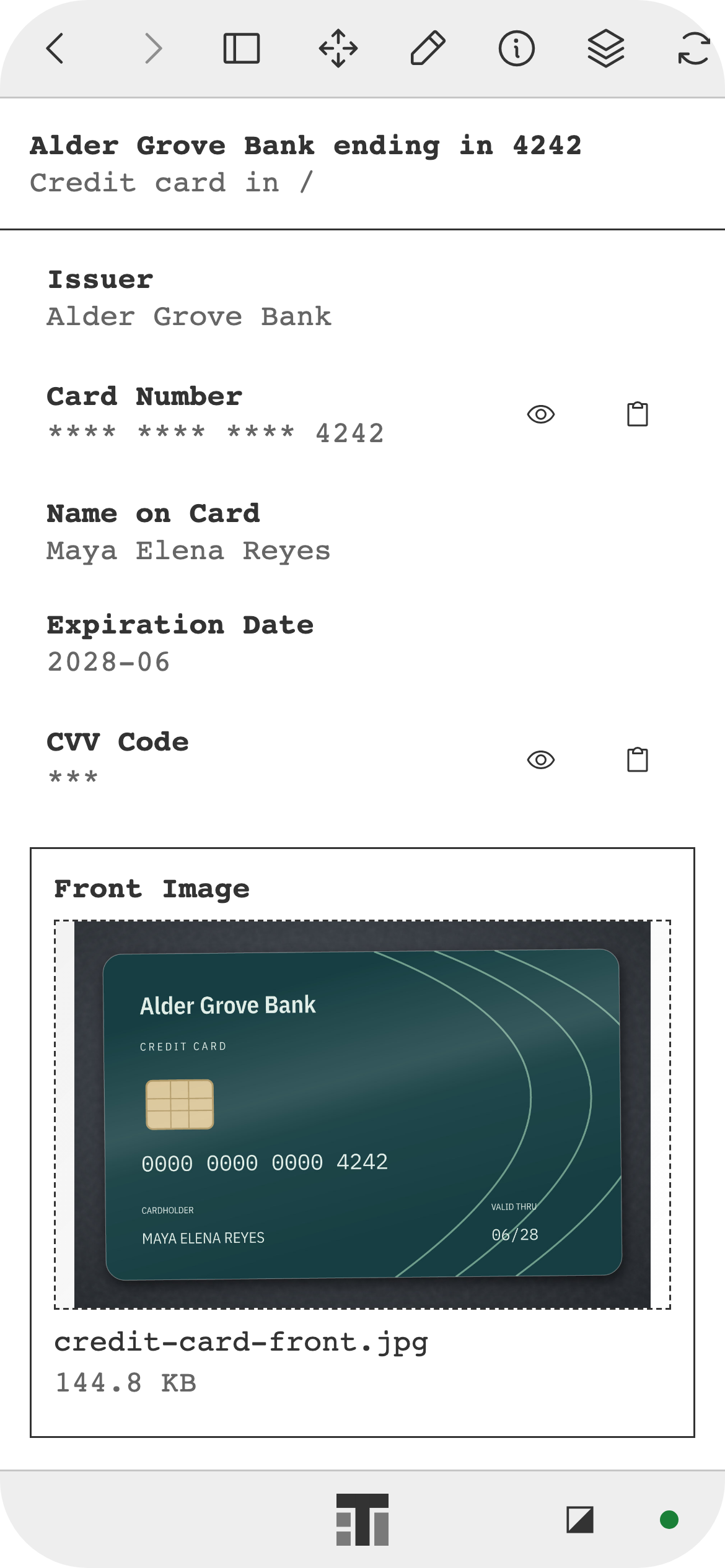
Credit card 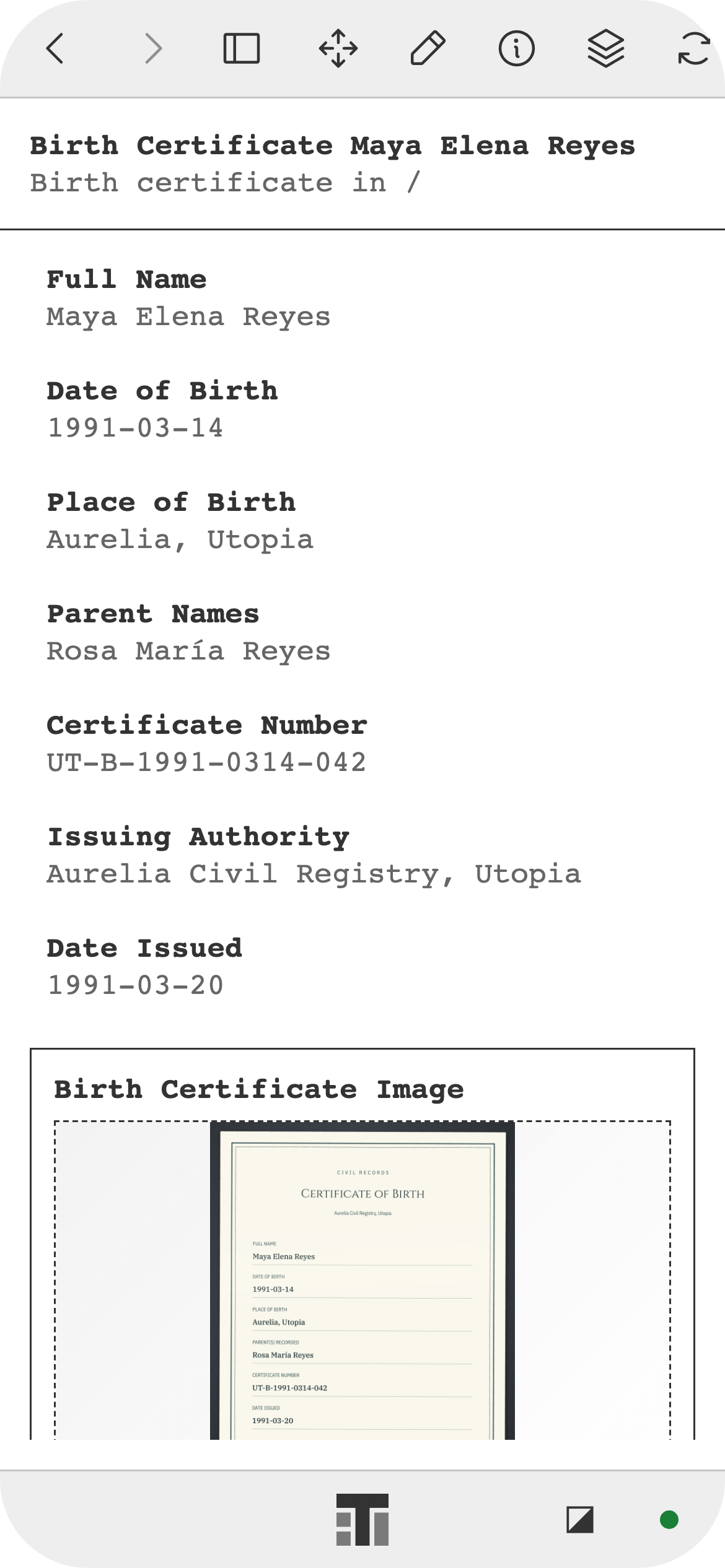
Birth certificate 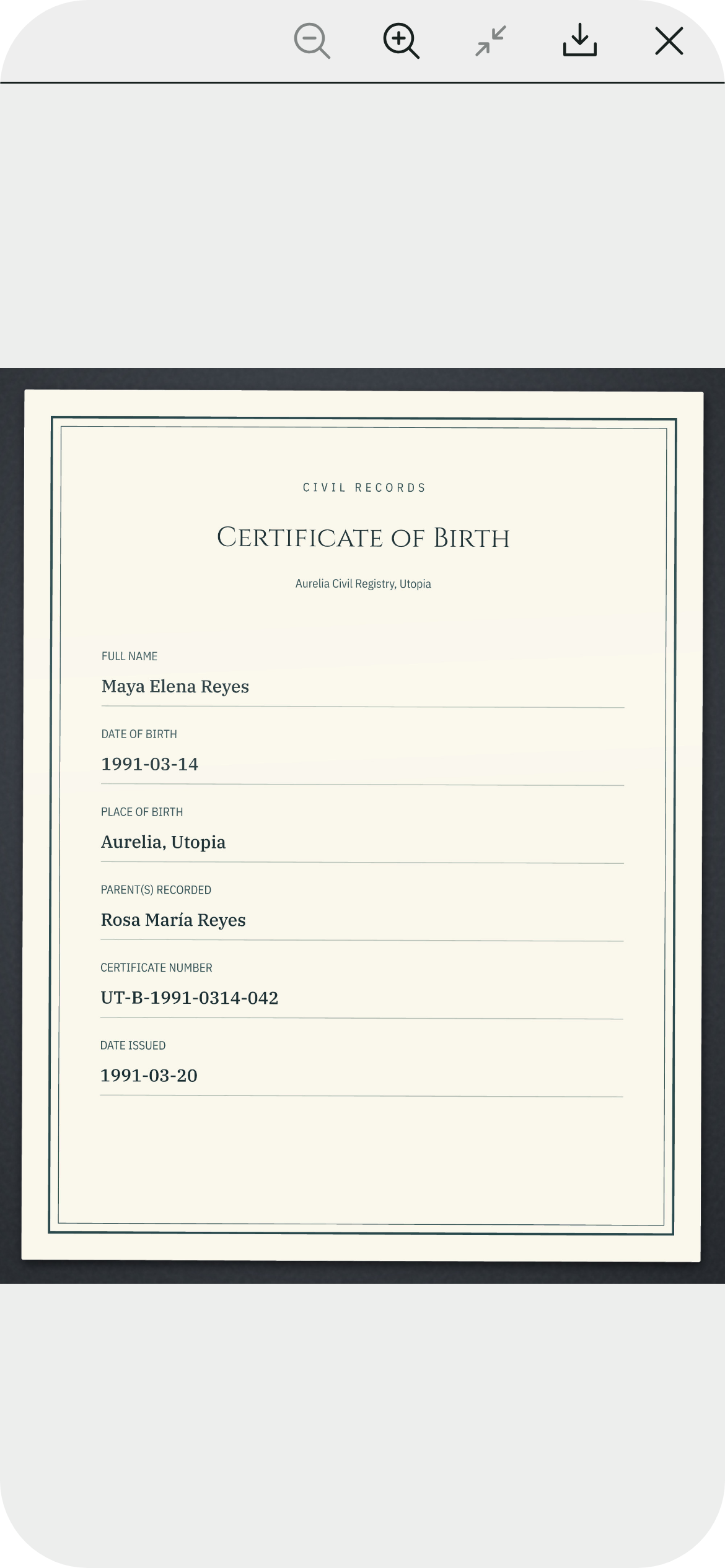
Birth certificate image 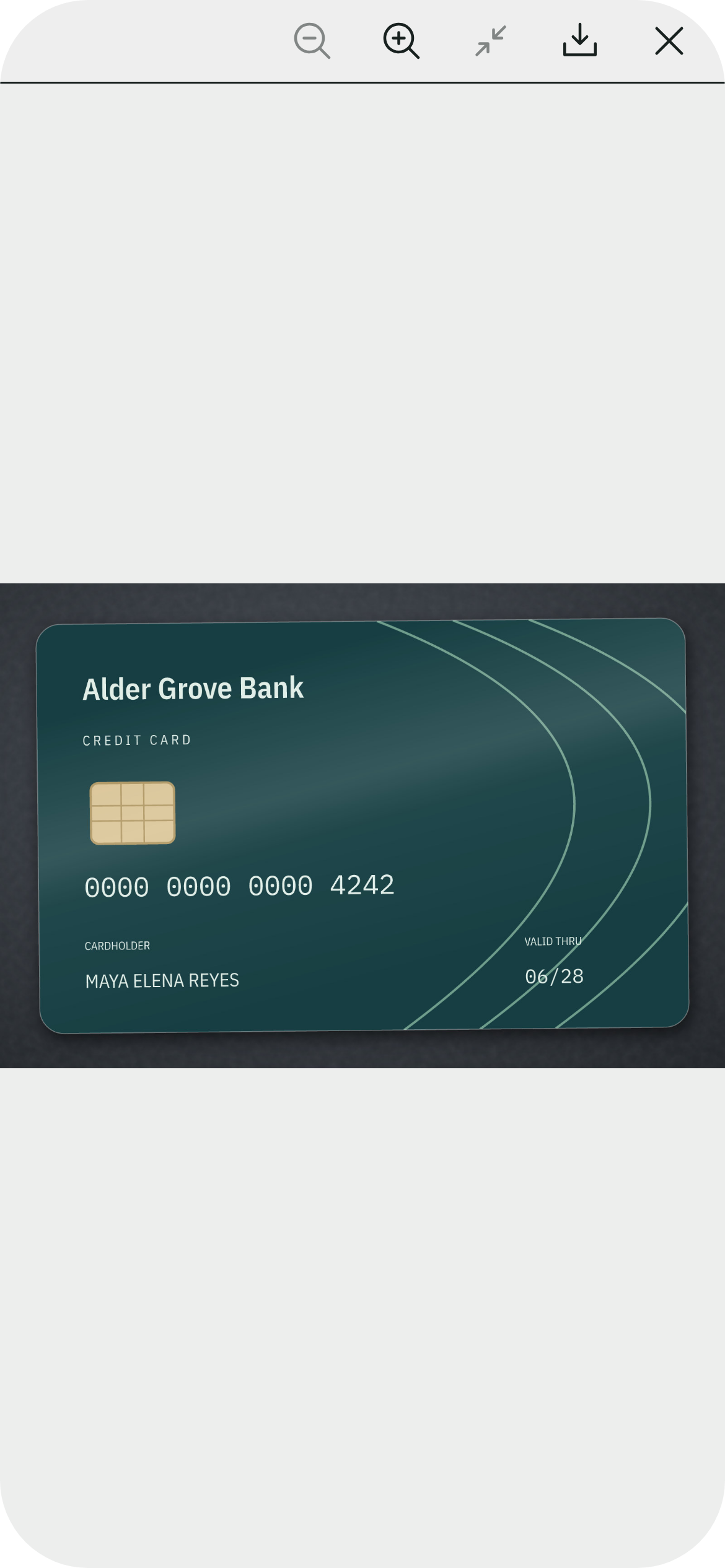
Credit card image 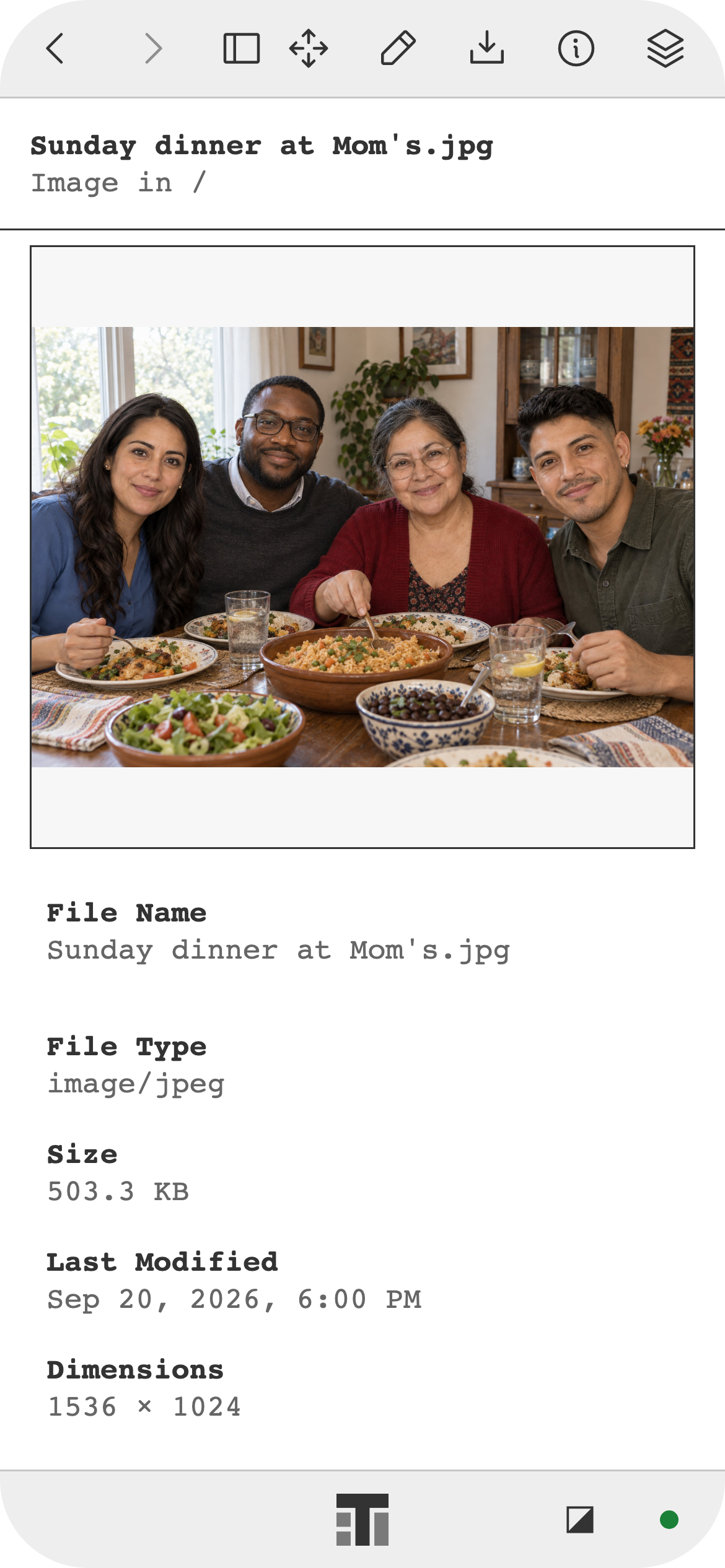
Family dinner 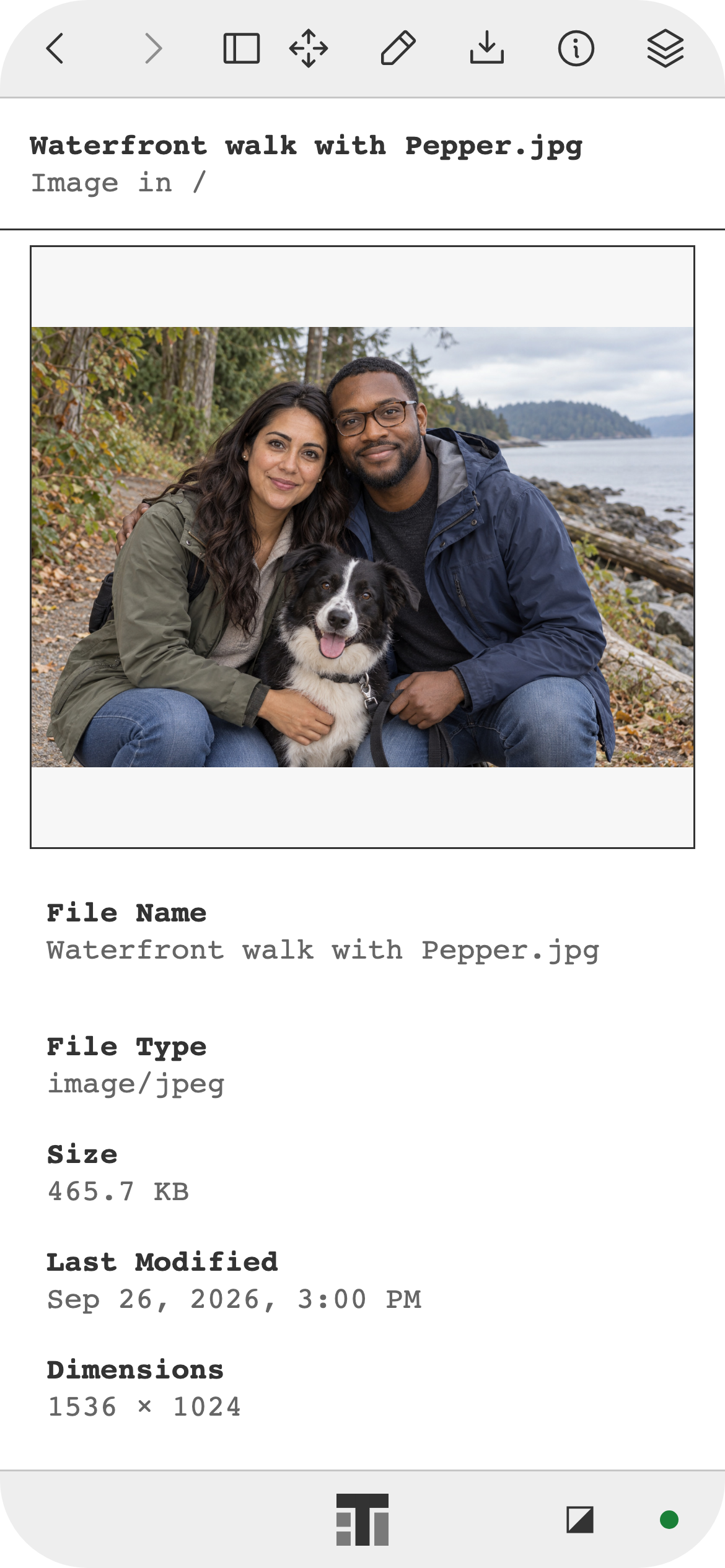
Family walk 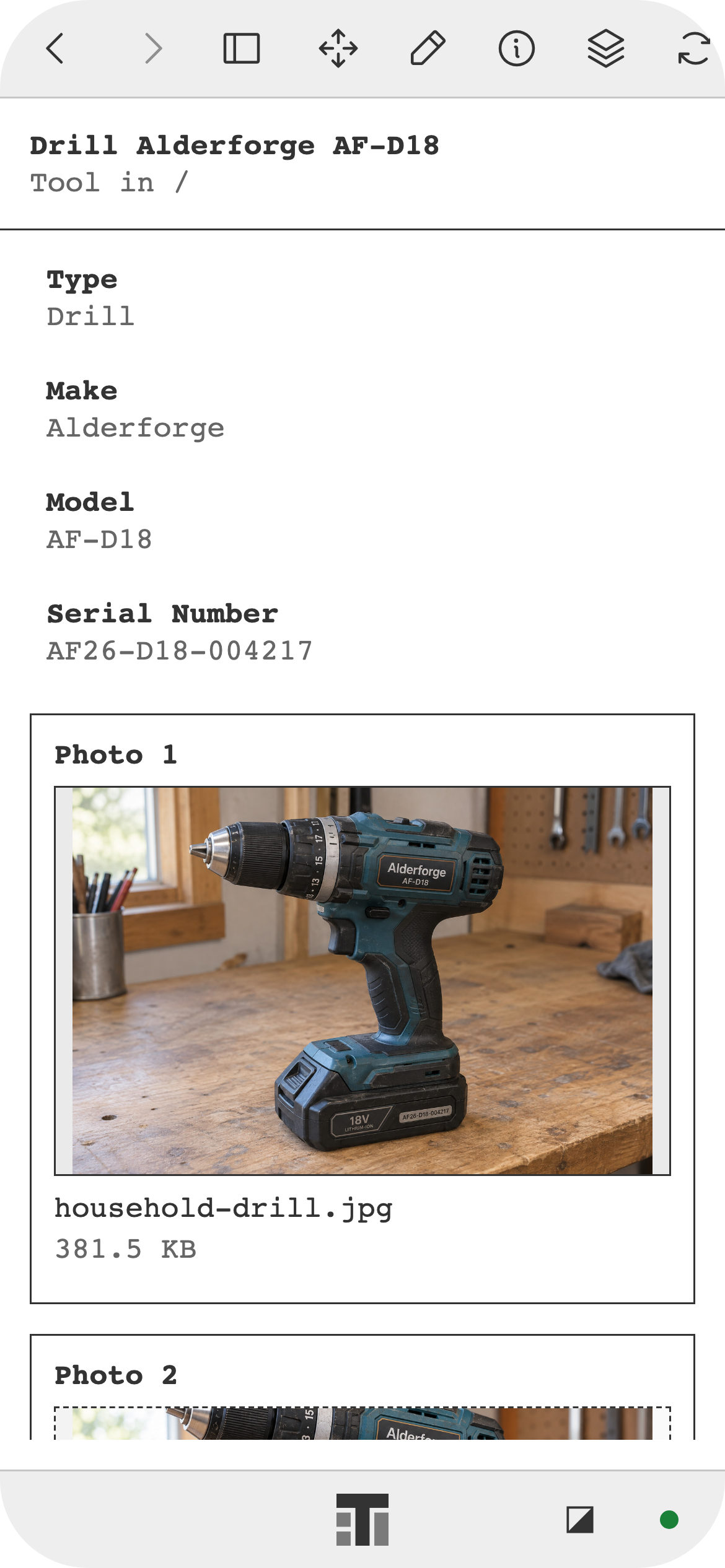
Drill 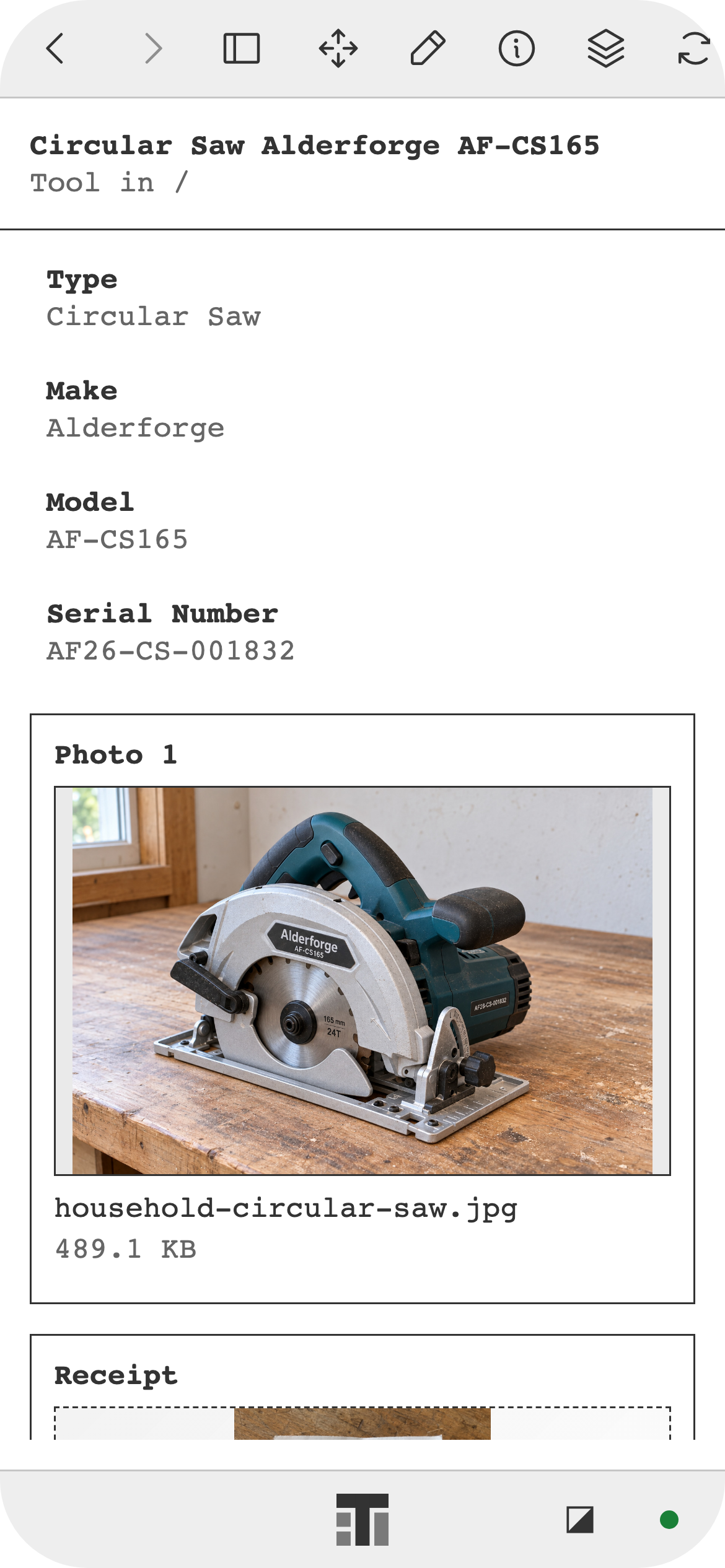
Circular saw 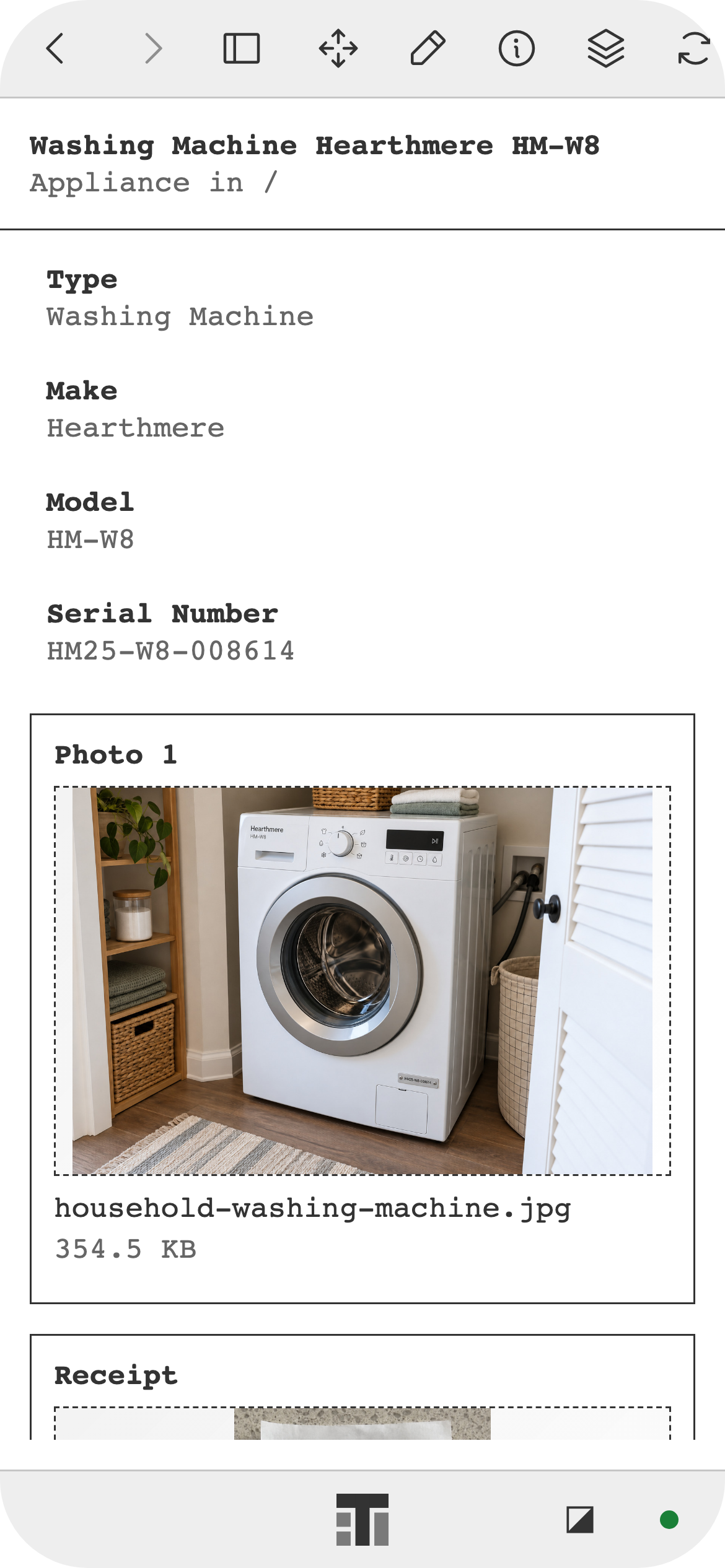
Washing machine 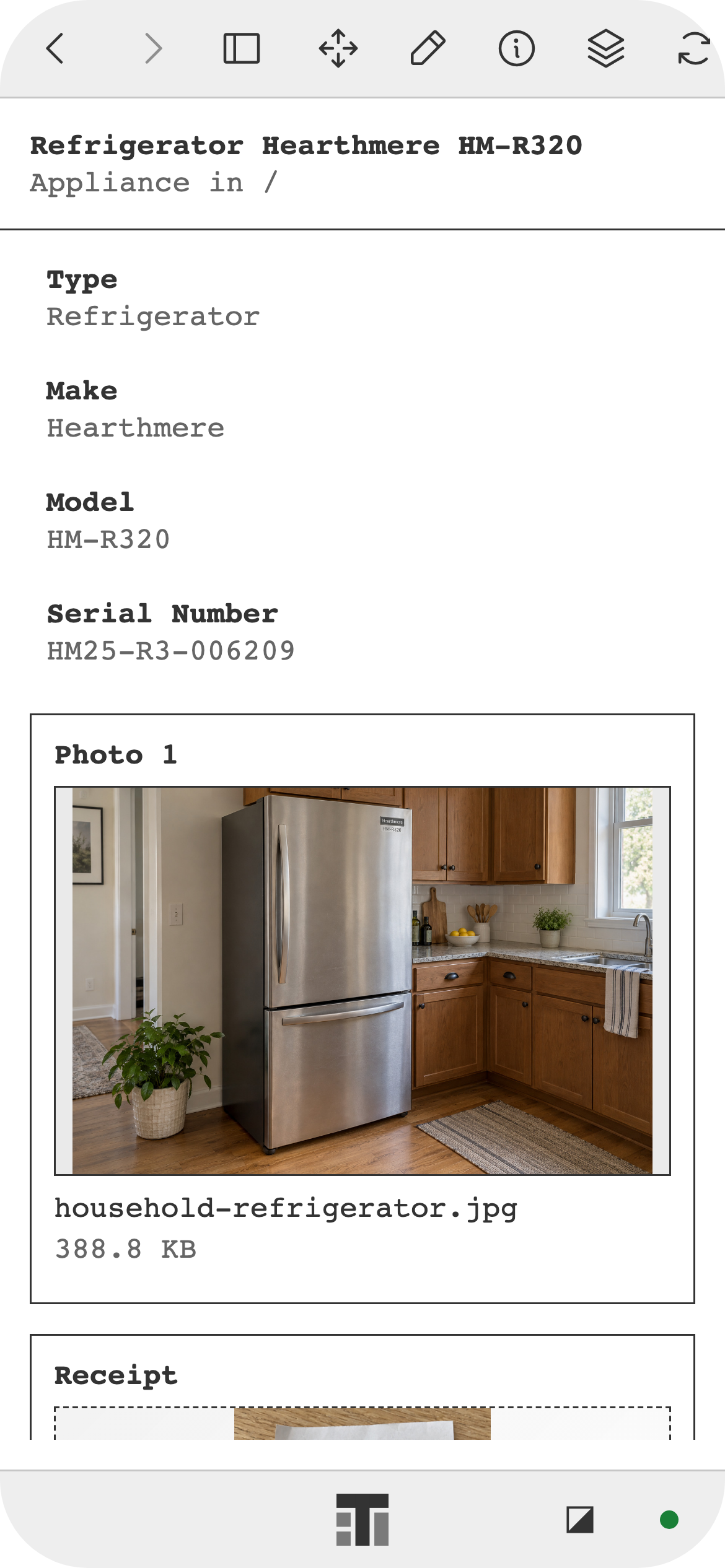
Refrigerator 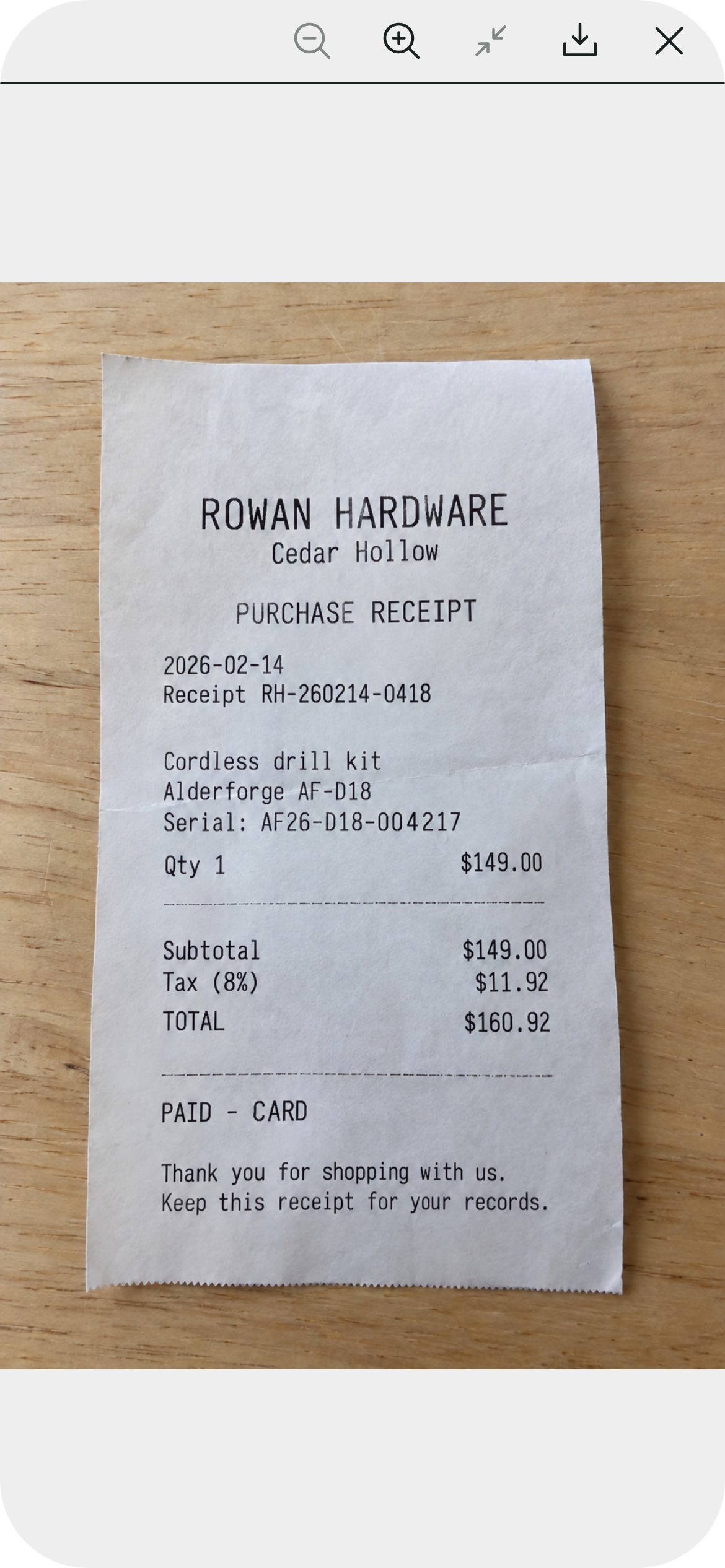
Tool receipt 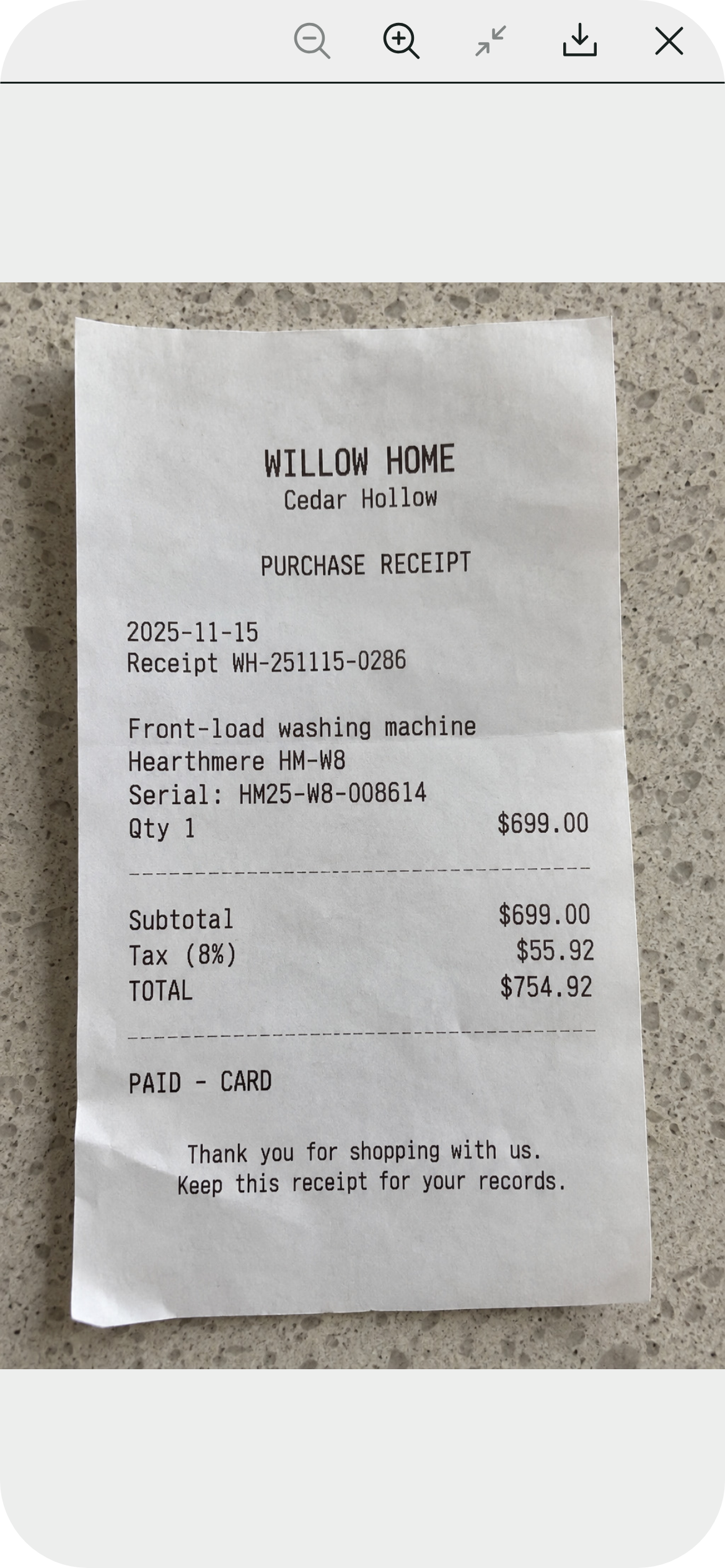
Appliance receipt 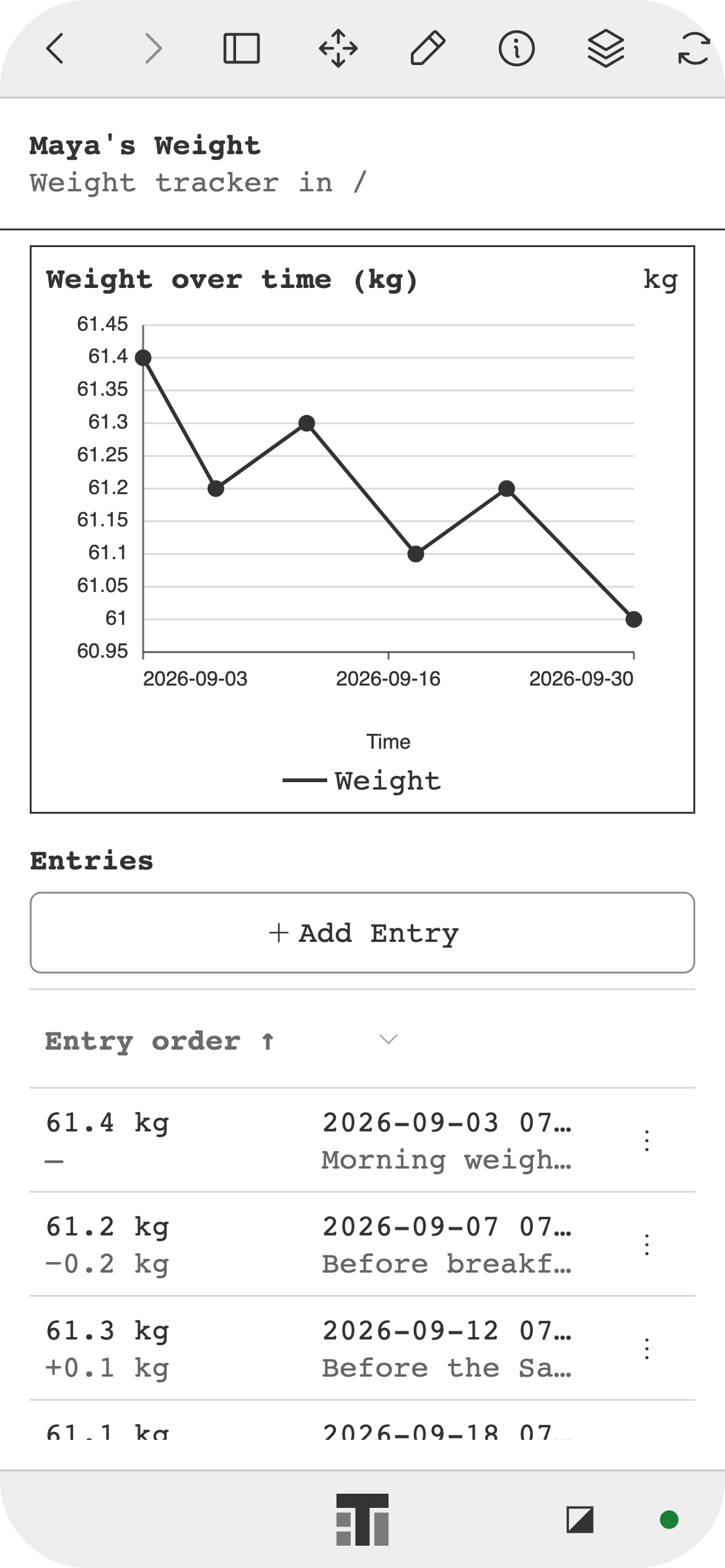
Weight tracker 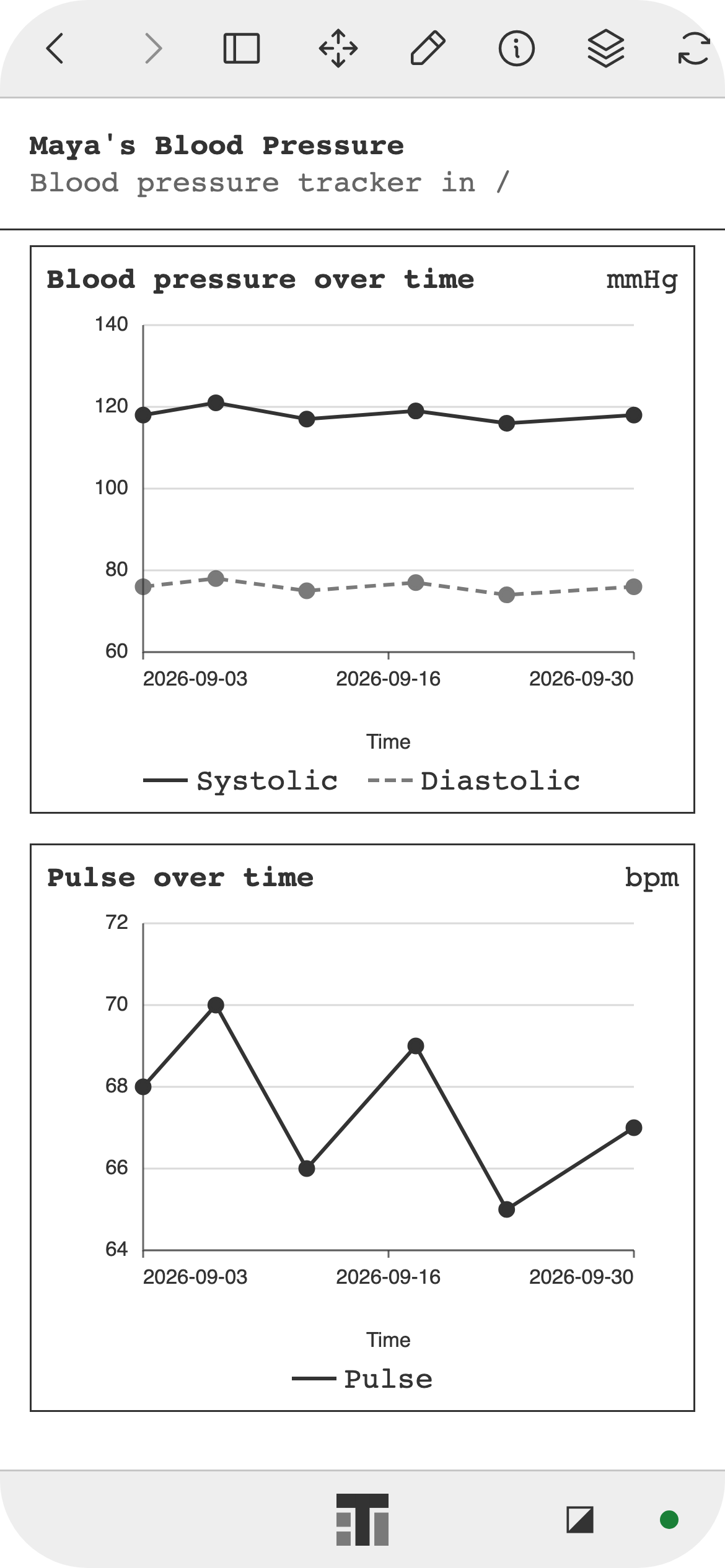
Blood pressure tracker


Zero knowledge
Document and file contents are encrypted on your device before they sync. The service stores ciphertext and wrapped keys, not plaintext content keys. The app derives who can receive keys from signed access records it verifies, not from server-provided lists.
- Content
- Encrypted before it syncs
- Service stores
- Encrypted content and wrapped keys
- Access
- From verified signed records
Zero onboarding
On first open, Tearleads creates your identity keys on your device and, once you're online, registers their public keys with the service. Those keys sign you in, so there's no account form.
- Sign-up
- Instant, no email or password
- Identity
- Created on your device
- Recovery
- 24-word recovery phrase
Save your 24-word recovery phrase from Identity Manager when you're ready and keep it private: it restores your identity on any device. Web checkout for paid plans asks only for a billing email.
How it worksWhat's in Tearleads
Everything lives in one folder tree in Explorer.
Notes
Plain-text notes with attached files and image previews.
Contacts
Names, nicknames, and profile photos. Add someone's identity link to link a contact to that person's identity.
Files
Import images, PDFs, audio, and video into nested folders, download them again, and recover items from Trash.
Records
Structured records such as driver's licenses and passports, each with its own fields and images.
Offline first
Edits save on your device first and sync when you're back online.
Backups
Export a password-protected backup file and restore from it.
How it works
Open Tearleads
Use the web app, or install the desktop app for macOS or Linux. Your identity is ready the moment it opens.
Work on your device
Notes, contacts, and files are stored encrypted on your device and stay editable offline. Export a password-protected backup anytime.
Sync and share
Your personal organization gets a 7-day free sync trial when the app registers your identity. After that, paid plans keep end-to-end encrypted sync across your devices; Team plans add folder sharing with your organization's users and groups.
Private by design
Your content is encrypted before it leaves your device, and access is backed by signatures the app checks itself.
Encrypted on your device
Document and file contents, organization names, and custom group names are encrypted on your device before they sync. The service stores ciphertext and wrapped keys, not plaintext content keys.
Details: Encrypted on your deviceVerified sharing
The app decides who can receive a folder's keys from signed access records and group policies it verifies itself, not from the server's membership rows.
Details: Verified sharingAtomic key rotation
Removing group members rotates the group key and the affected folder keys in one atomic update.
Details: Atomic key rotationEncrypted at rest
Local data is encrypted under keys protected by a host wrapping key. You can add a PIN lock.
Details: Encrypted at rest
Post-quantum Public-key operations in the Tearleads keying protocol use ML-KEM-1024 for key delivery and ML-DSA-87 for signatures (NIST FIPS 203 and 204). Synced document and file contents are encrypted with AES-256-GCM.
Pricing
Free on your device. Paid plans add sync for one organization, priced by member capacity rather than per member.
Free Forever
$0
Encrypted storage on your device
Solo
$5 / month
Encrypted sync for 1 member
Team (up to 5)
$10 / month
Encrypted sync and sharing for up to 5 members
Team (up to 10)
$20 / month
Encrypted sync and sharing for up to 10 members
Your personal organization starts a 7-day free sync trial when the app first registers your identity. For any other organization, an admin can start one in Org Manager → Billing.
Download
Install Tearleads on macOS, Linux, Windows, iOS, or Android, or use it in your browser.
- Download for macOS
macOS
- Apple silicon
- .dmg
- Signed and notarized
- Download for Linux
Linux
- x64 (Intel, AMD)
- .tar.gz
- Tested on Ubuntu 24.04
- Download for iOS
iOS
- iPhone and iPad
- App Store
- Download for Android
Android
- Phone and tablet
- Google Play internal testing
Web
- app.tearleads.com
Runs in your browser.
Open web app
Verify each desktop download against its SHA-256 checksum before you install. The Linux install guide shows the command.
Zero knowledge. Zero onboarding.
Free on your device. Open Tearleads in your browser, or install it on macOS or Linux.